
With the multitude of tokens being airdropped for different tribes on Steem Engine, it may become tedious to claim multiple tokens for multiple accounts. To manage this, I wrote a NodeJS script. During my programming, @holger80 recently improved the custom_json for claiming scotbot tokens, so I added that functionality to the script. The script takes @holger80's functionality a bit further by adding support for multiple accounts, with or without a posting authority. The script checks which SCOT tokens have a pending balance then claims them all in a single efficient operation (in the case of a granted posting authority), otherwise it's multiple operations.
The following private keys are valid WIF for testing purposes, but don't correspond to any Steem accounts, so don't waste your time trying.
Single account configuration
If you have a single account, simply add it to the accounts array with its private posting key, for example:
var accounts = [
  ["account1", "5JjX2LZCNVELF5pXwcW9wVix6cfMbS9d3kpheHQSYze6mSL3DNe"]
];
Multiple accounts configuration
For multiple accounts, add them with their corresponding posting key, for example:
var accounts = [
   ["account1", "5JjX2LZCNVELF5pXwcW9wVix6cfMbS9d3kpheHQSYze6mSL3DNe"],
   ["account2", "5JcdFVZeFtn2xAfR473cggB4cfbuchcvcSPE6ggSCLL9oR2UfeL"],
   ["account3", "5HsCSbzLu4mPsJNrEe5Unm42baobAinuAetiw4Quir1dzkbbULw"]
];
Multiple accounts configuration with granted posting authority
However, the way I'm doing things, I created an account for each tribe that I'm supporting/curating, and gave it posting authority to my main steem account @drakos. By doing that, I can claim all my accounts rewards with my @drakos posting key, without having to use each account's key. For this approach, only add the posting key of the main account, while leaving it empty for the alternative accounts, like this:
var accounts = [
  ["mainaccount", "5JjX2LZCNVELF5pXwcW9wVix6cfMbS9d3kpheHQSYze6mSL3DNe"],
  ["account2", ""],
  ["account3", ""],
  ["account4", ""]
];
To grant posting authority to the main account, do it at https://steemconnect.com/authorize/mainaccount (replace "mainaccount" with your main account). Logout from SteemConnect and repeat that for each alternative account.
Requirements
Install NodeJS, latest version preferably, then run:
npm install request steem
Here's the full script, save it as claim_scot_tokens.js and run it with:
node claim_scot_tokens.js
"use strict";
/*
 Requirement:
 npm install request steem
 */

// CONFIG START
var accounts = [
  ["mainaccount", "5JjX2LZCNVELF5pXwcW9wVix6cfMbS9d3kpheHQSYze6mSL3DNe"],
  ["account2", ""],
  ["account3", ""],
  ["account4", ""]
];
var broadcast = true; // set to false if only checking for pending tokens
// CONFIG END

var request = require("request");
var steem = require("steem");

function getSteemengineJson(account) {
  return new Promise(resolve => {
    var pending = [];
    var url = "http://scot-api.steem-engine.com/@" + account;
    request({
      url: url,
      json: true
    }, function (error, response, body) {
      if (!error && response.statusCode === 200) {
        Object.keys(body).forEach(key => {
          if (body[key].pending_token > 0) { // get all pending tokens
            pending.push([key, body[key].pending_token]);
          }
        });
        resolve(pending);
      } else
        resolve(null);
    });
  });
}

(async function () {
  var account, wif, data, result, token, pending_token, decimals, tokens_arr = [], operations = [];

// check for multi posting keys
  var postingkeycount = 0;
  for (var z = 0; z < accounts.length; z++) {
    if (accounts[z][1]) {
      postingkeycount++;
    }
  }

  for (var x = 0; x < accounts.length; x++) {
    tokens_arr = [];
    account = accounts[x][0];
    wif = accounts[x][1];

    data = await getSteemengineJson(account);

    if (data) {
      for (var y = 0; y < data.length; y++) {
        token = data[y][0];
        pending_token = data[y][1];

        if (token === "CCC") // uses 4 decimals
          decimals = (pending_token / 1e4).toFixed(4);
        else if (token === "STEM") // uses 6 decimals
          decimals = (pending_token / 1e6).toFixed(4);
        else
          decimals = (pending_token / 1e3).toFixed(3);
        tokens_arr.push({"symbol": token});
        console.log("Pending", decimals.padEnd(8), token, "for", account);
      }

      if (postingkeycount > 1 && tokens_arr.length > 0) {
        operations = [];
        operations.push(["custom_json",
          {
            required_auths: [],
            required_posting_auths: [account],
            id: "scot_claim_token",
            json: JSON.stringify(tokens_arr)
          }
        ]);
        if (broadcast && operations.length > 0) {
          console.log("Broadcasting single operation with account:", account);

          var result = await steem.broadcast.sendAsync({operations: operations, extensions: []}, {posting: wif}).catch(err => {
            console.log(err.message);
          });
          if (result)
            console.log(result);
        } else {
          console.log('Nothing claimed');
        }
        console.log();
      } else {
        operations.push(
          ["custom_json",
            {
              required_auths: [],
              required_posting_auths: [account],
              id: "scot_claim_token",
              json: JSON.stringify(tokens_arr)
            }
          ]);
      }
    }
  }

  if (postingkeycount === 1) {
    wif = accounts[0][1];
    if (broadcast && operations.length > 0) {
      console.log("Broadcasting multiple operations with account:", accounts[0][0]);
      var result = await steem.broadcast.sendAsync({operations: operations, extensions: []}, {posting: wif}).catch(err => {
        console.log(err.message);
      });
      if (result)
        console.log(result);
    } else {
      console.log('Nothing claimed');
    }
  }

})().catch(console.error);


PALnet curator https://www.palnet.io

Creativecoin curator https://www.creativecoin.xyz

Available & Reliable. I am your Witness. I want to represent You.
🗳 If you like what I do, consider voting for me 🗳
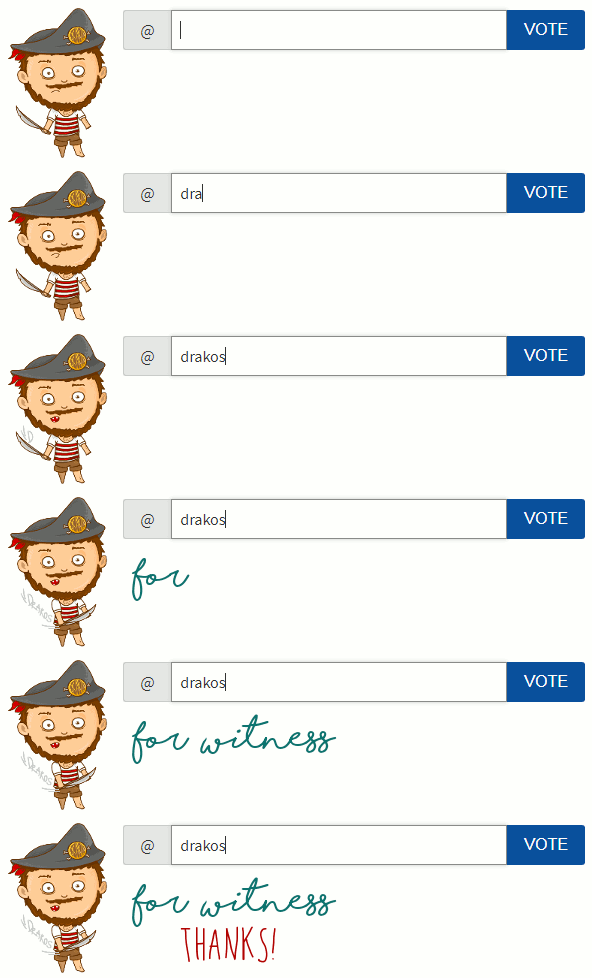
Check my guide about Voting for Witnesses.
Go to https://steemit.com/~witnesses. Next to my name, click the  once.
once.
Alternatively you can use SteemConnect to vote for me or set me as proxy
Creativecoin curator https://www.creativecoin.xyz
Available & Reliable. I am your Witness. I want to represent You.
🗳 If you like what I do, consider voting for me 🗳
Check my guide about Voting for Witnesses.
Go to https://steemit.com/~witnesses. Next to my name, click the once.
Alternatively you can use SteemConnect to vote for me or set me as proxy
Available & Reliable. I am your Witness. I want to represent You.
🗳 If you like what I do, consider voting for me 🗳
Hmm! , Thanks for the Headup Sir Drakos
Useful Tools you have there but may not apply for me.
Only have one account.
God Bless
Su
Oooooh, myyy – how I wish my brain were as capable of understanding this language as it is adept at reading light. Alas, I find I must read sentences repeatedly to ensure I'm not missing anything. Even so, I arrive at the end feeling rather unsure – like I'm streeeetching to grasp a thing that's juuuust outta reach.
@drakos – your mind is brilliant. Wish I could borrow it sometime – like some kinda brain delegation. ;)
!SHADE 2
Thanks for sharing on Pimp Your Post Thursday
Hi zipporah the SHADE tokens are on the way.
Thanks for sharing SHADE
To view or Trade SHADE visit steem-engine.com
i think i love you... goes to try weird codey thing
!BEER
To view or trade
BEERgo to steem-engine.com.Hey @drakos, here is your
BEERtoken. Enjoy it!Wao, I congratulate you, I have always admired the programmers, they can represent everything they want through codes. You Continue to provide tools to simplify the work. :)
Thanks for sharing this @drakos. You inspired me to write a post about how I'm achieving the same thing as well. BTW, just voted for you as a witness :)
Nice. Thanks for the vote.
Great contribution for people who have several accounts, although I only have one account because I am dedicated to painting, but for those who have several accounts, this will save them time.
Something else I'd like to see is this: a way for token-holders to CLAIM REWARDS and then STAKE SELECTED TOKENS all in one easy step. For instance, it is my intention to stake all PALcoin I earn. Rather than doing it in two steps, one easier step would be appreciated. In fact, could we go one step further: For any selected coin (such as PALcoin), rewards are claimed-and-staked automatically, without the user even having to do anything...? Perhaps this is a question that @aggroed or his development team would have to answer, but it would be a great thing, I think! 🙌
!SHADE 2
Thanks for sharing on Pimp Your Post Thursday
Hi thekittygirl the SHADE tokens are on the way.
Thanks for sharing SHADE
To view or Trade SHADE visit steem-engine.com
Congratulations @drakos! You have completed the following achievement on the Steem blockchain and have been rewarded with new badge(s) :
You can view your badges on your Steem Board and compare to others on the Steem Ranking
If you no longer want to receive notifications, reply to this comment with the word
STOPVote for @Steemitboard as a witness to get one more award and increased upvotes!