NETWORKING
Published with SteemPeakhome ~ previous
$ vim ~/.config/fish/functions/gnetworking.fish

function gnetworking --description "networking"
    clear
    echo
    echo '=========================================================================='
    echo '                                NETWORKING                                '
    echo '--------------------------------------------------------------------------'
    echo ' # apt install gnome-nettool tcpdump                                      '
    echo '=========================================================================='
    echo ' $ ip link|a                                                              '
    echo ' # ifconfig eth0 down | up                                                '
    echo ' # ifconfig                                                               '
    echo ' $ inxi -i                                                                '
    echo ' # tcpdump -c 100 -i enp1s0f2 -XX port 22 | vim -                         '
    echo '--------------------------------------------------------------------------'
    echo ' # arp-scan --localnet | vim -                                            '
    echo ' $ netstat -a | less                                                      '
    echo ' $ netstat -rn                                                            '
    echo ' $ netstat -i                                                             '
    echo ' $ netstat -ie                                                            '
    echo ' # netstat -tulpn                                                         '
    echo '--------------------------------------------------------------------------'
    echo ' $ ping -c4 a.b.c.d|dummy.org                                             '
    echo ' $ ip address show $ ip neigh show $ ip route show             (ifconfig) '
    echo ' $ ip a|n|r                                                               '
    echo ' $ mtr --curses dummy.org                                                 '
    echo ' # sshfs name@server:/path/to/folder/ /path/to/mount/point/               '
    echo ' $ nmap --iflist                                                          '
    echo ' $ dnsdomainname                                                          '
    echo ' $ domainname                                                             '
    echo ' $ speedometer -r enp1s0f2                                                '
    echo ' $ speedtest                                                              '
    echo '=========================================================================='
    echo
    inxi -i
    echo
end
SOURCES
 man-pages ............................... $ man arp-scan dnsdomainname ifconfig inxi
 man-pages ................................... $ man tcpdump ip mtr netstat nmap sshf
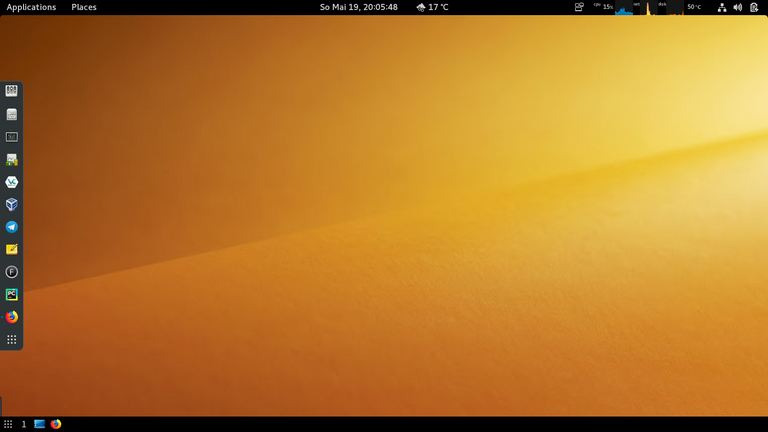
 picture ....................................... screenshoot by me ~ my gnome-desktop