Tutorial paso a paso para aprender a jugar Poppy PlayTime Cap I en Android
Fun step by step tutorial to learn how to play Poppy PlayTime Cap I on Android
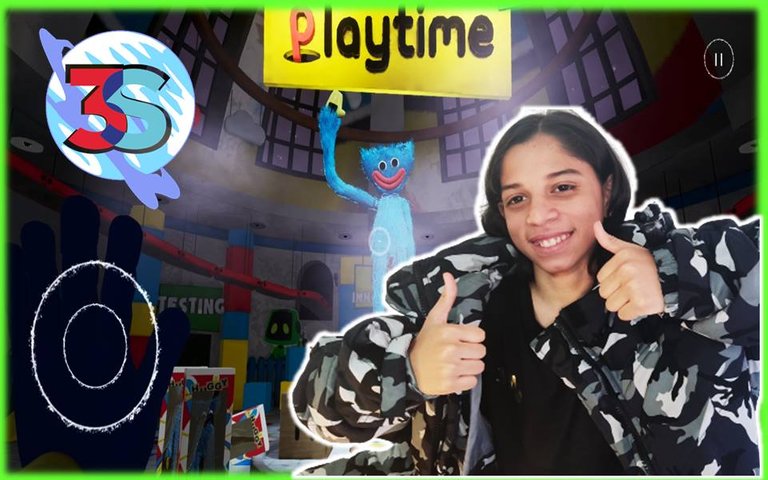

Tutorial del Juego Poppy Playtime
Hola queridos amigos de esta gran plataforma, hoy les traigo un videotutorial para pasarse el juego Poppy Plapytime Capítulo 1, este es un juego diferente, con temáticas misteriosas y de horror.
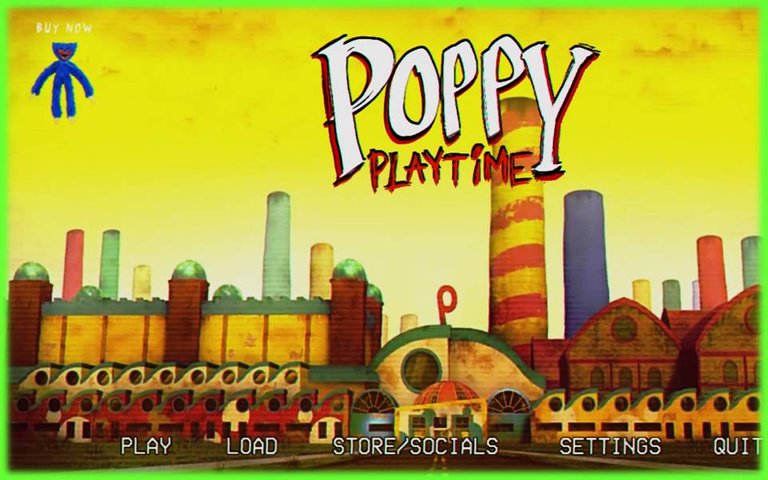
El juego inicia en el menú donde debemos dar Play y New Game.
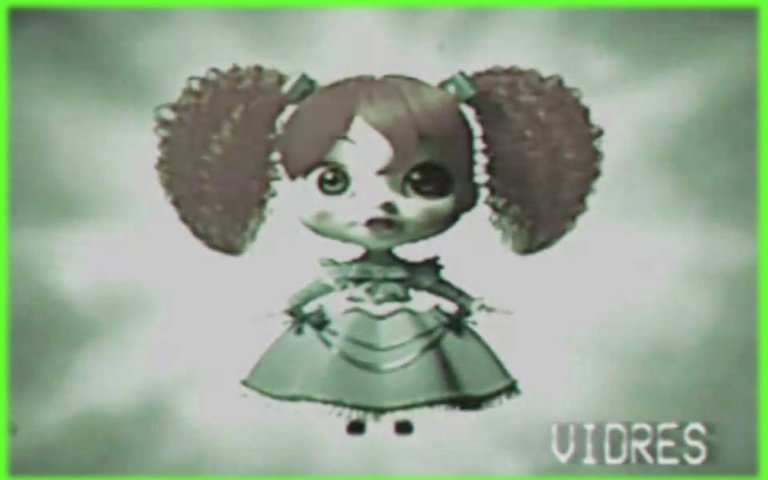
Al empezar la partida, primero saldrá una publicidad de la muñeca Poppy, de la cual, ya realice un dibujo en la comunidad Alient Art Hive, y le di mis propios toques para que fuera genial, te invito a visitar mi perfil y así puedas ver ese dibujo impresionante paso a paso, sé que te gustara.
Luego, al terminar la publicidad, es cuando ya debemos comenzar el juego, el personaje principal, es un ex trabajador de la fábrica de juguetes y está hecho en primera persona.
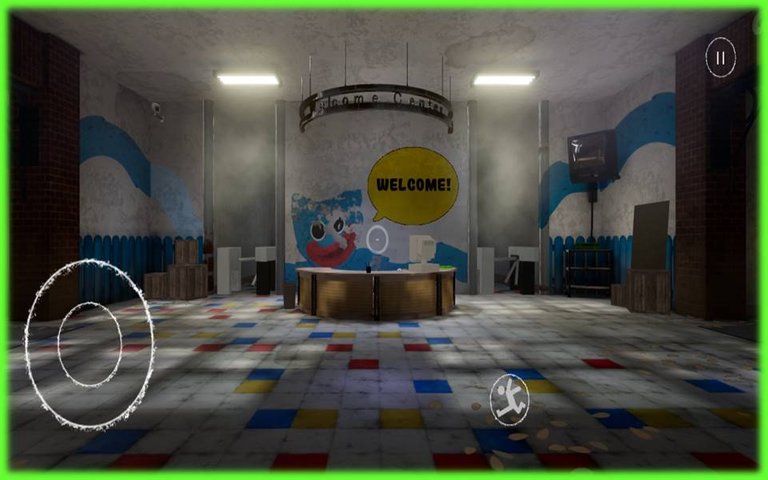
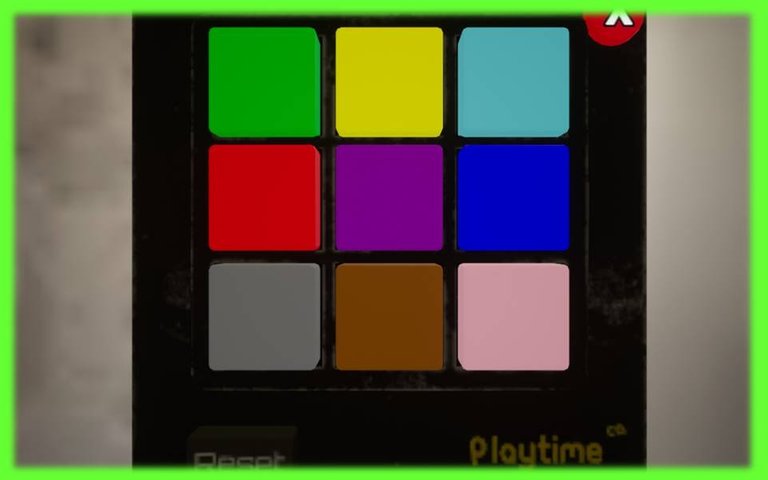
Al comenzar debemos ir al pasillo de la izquierda, donde habrá que colocar un código en un controlador con botones de colores, la clave es, verde, rosa, amarillo y rojo, que sirve para desbloquear la puerta donde se consigue un elemento importante, que necesitamos en todo el juego para poder llegar hasta el final.
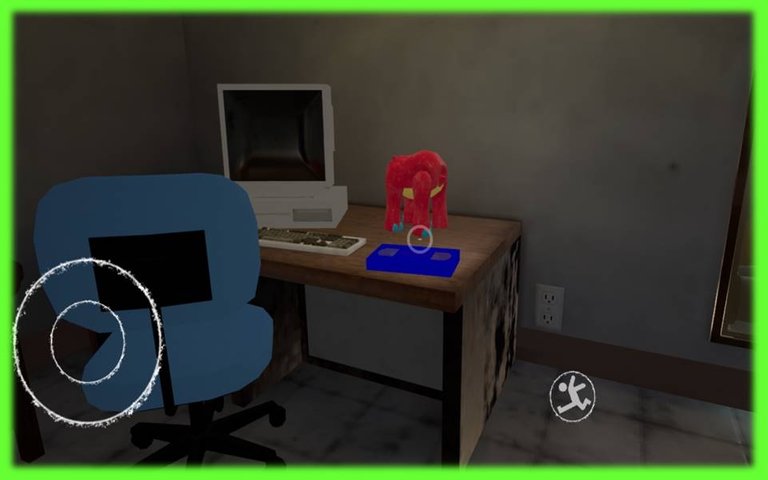
Cuando se abre la puerta, tenemos que agarrar la cinta de video, que está en un escritorio, la cual es donde podemos ver las instrucciones de como se debe usar de manera responsable, el grabpack, que es el elemento relevante que les mencione y que necesitaremos en todo el juego.
Después de haber conseguido la mano azul, debemos ir por la puerta de la parte de atrás de la pared del frente, de donde iniciamos.
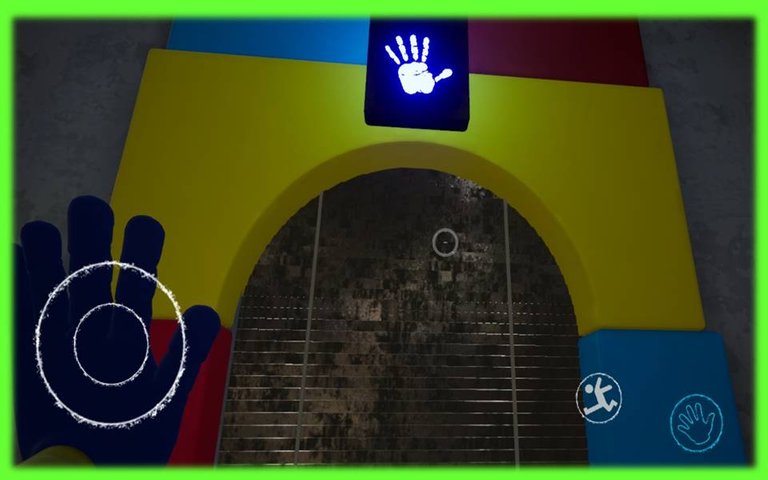
Allí habrá un escáner para colocar la mano azul, lanzamos el grabpack hacia el escáner para que se abra la otra puerta, eso nos llevara a una zona donde estará Huggy, a este misterioso personaje también lo dibuje de manera digital para la comunidad de Alien Art Hive, cuando te consigas con él, estará inmóvil y aún no te va a atacar.
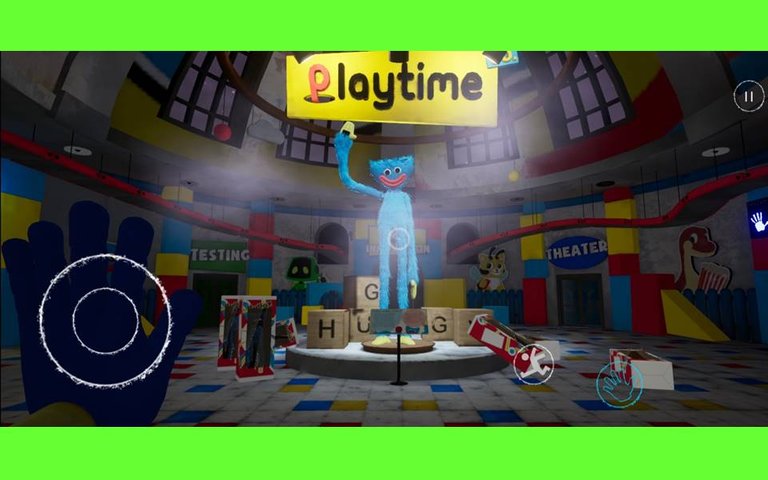
Encontrarás un escáner igual al otro, pero cuando coloques la mano del grabpack, sé ira la electricidad, para que tengas que mirar a Huggy nuevamente, y él nos entregara una llave (digo yo que nos dará, pero, literalmente aparece mágicamente en su mano XD)
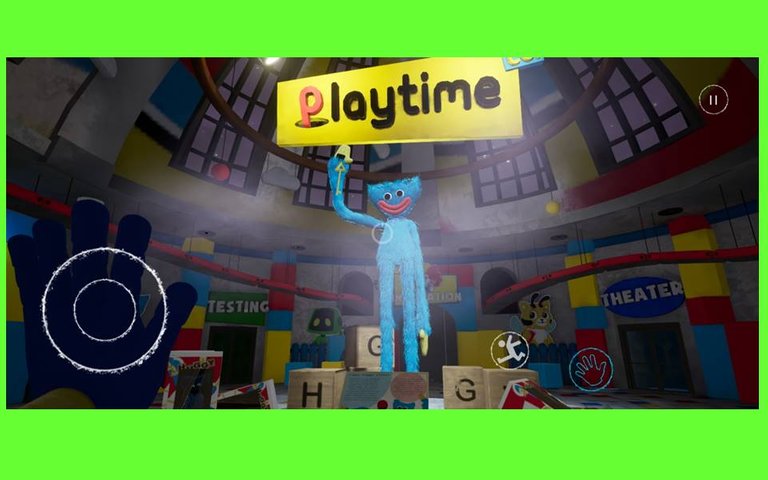
Bueno, cuando agarremos la llave, tenemos que ir a la zona que dice Power, conectamos los cables y Huggy desaparece y sé tele-transportara a la puerta donde vamos (no sé cómo lo hace es la magia del juego).
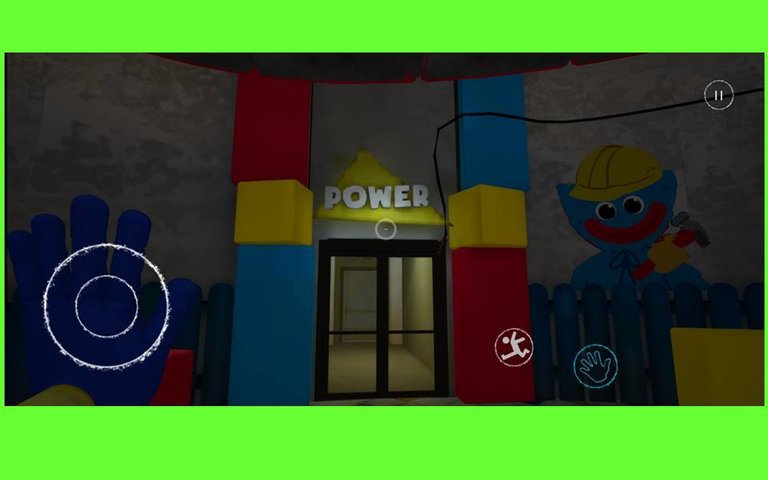
El siguiente paso es recoger las baterías de colores, que se encuentran regadas en el almacén, donde luego debemos subir las escaleras para colocarlas en su lugar, y eso hará que consigamos las mano roja que nos falta.
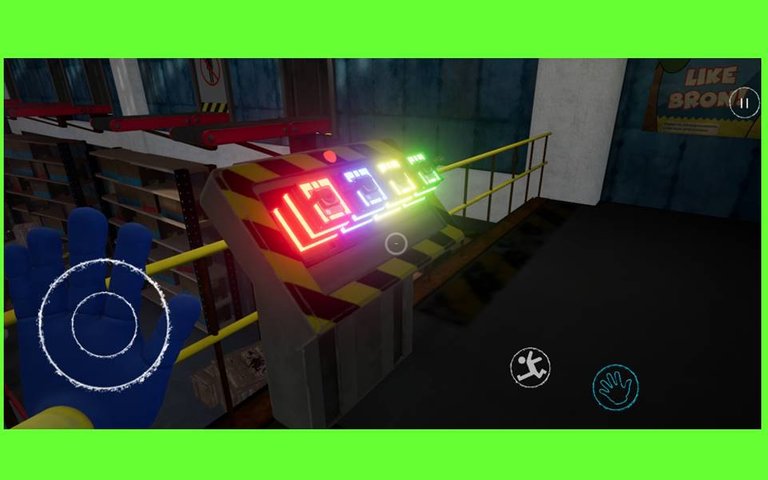
Luego de bajar como si fuera un tobogán, hay que conectar otros cables, luego de ese puzzle, vamos a llegar a la zona del make a friend. Para hacer otro puzzle de cables y realizar un muñeco que sirve para que la puerta donde está Huggy, pueda ser abierta y es cuando ya el feo muñeco cobra vida.
Al ejecutar todos esos paso que les estoy dando, claro todo aquí escrito es de manera resumida, te recomiendo ver el video, para que aprecies a más detalle el proceso del tutorial.
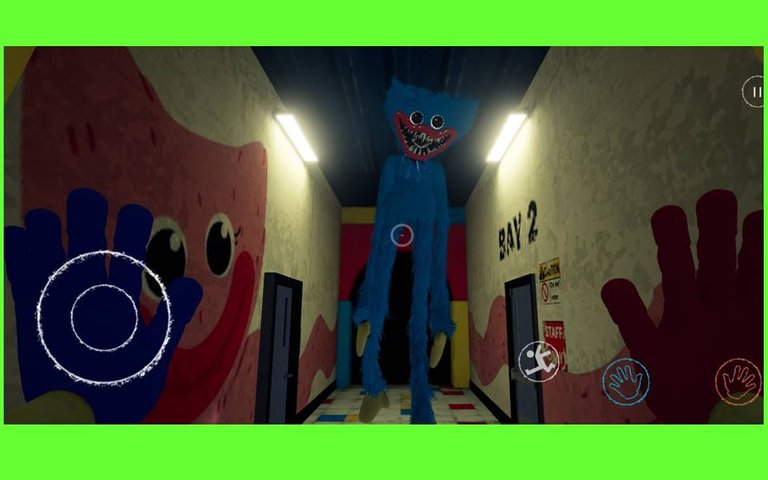
Esta es la parte más emocionante del juego, y es donde Huggy sale a perseguirnos, por las cintas transportadoras.
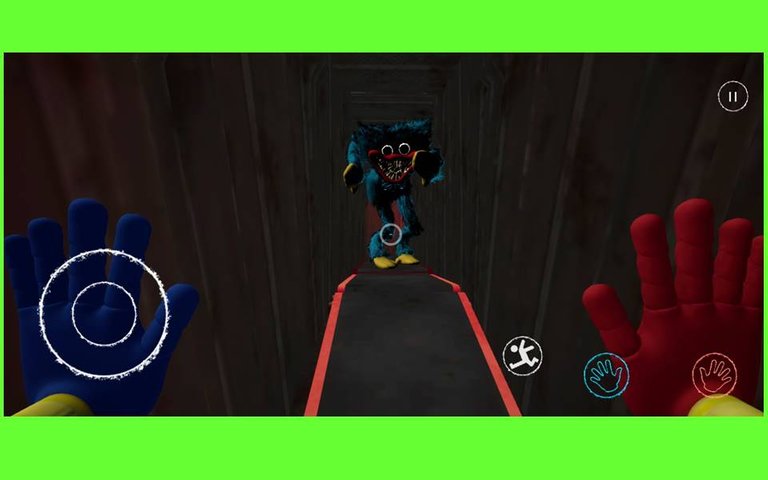
Al recorrer varias cintas donde somos perseguidos por el muñeco malvado, llegamos a una parte donde debemos esperar a que el este cerca para tirarle en la cabeza una caja que se observa arriba y así deshacernos de él en este primer capítulo.
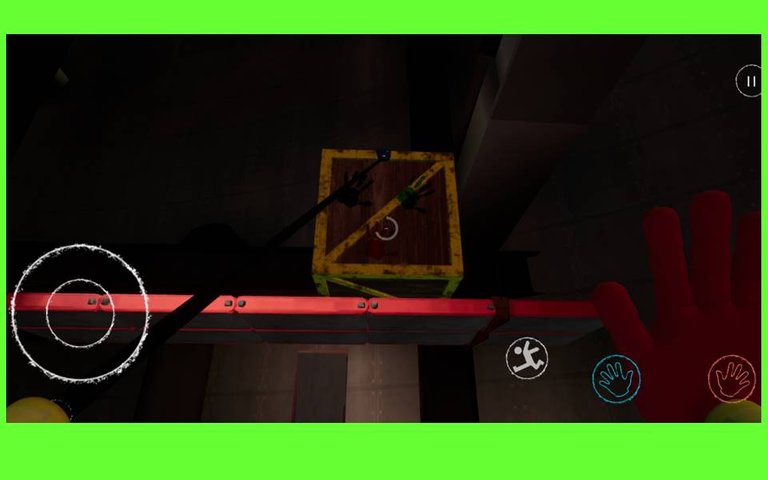
Ya Huggi cayó al vacío, ahora debemos pasar por un laberinto, la cual es mejor que lo vean en el video, ya que escribirlo creo que se te haría más complicado entenderlo.
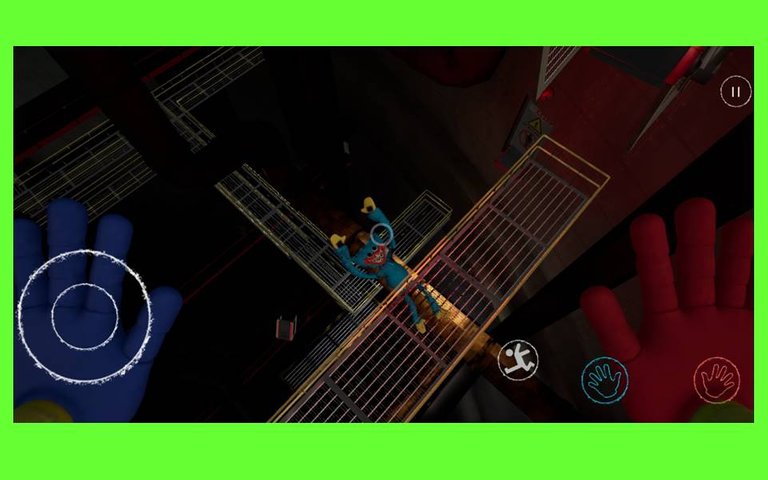
Ahora viene la parte final del juego, es cuando ya terminaste el laberinto, te encuentras con la flor dibujada en la pared y donde su centro está la puerta que debes abrir, entras y vas al final del pasillo que se ve más rojo, para luego pasar a la habitación de Poppy la misteriosa muñeca, y liberarla de su jaula.
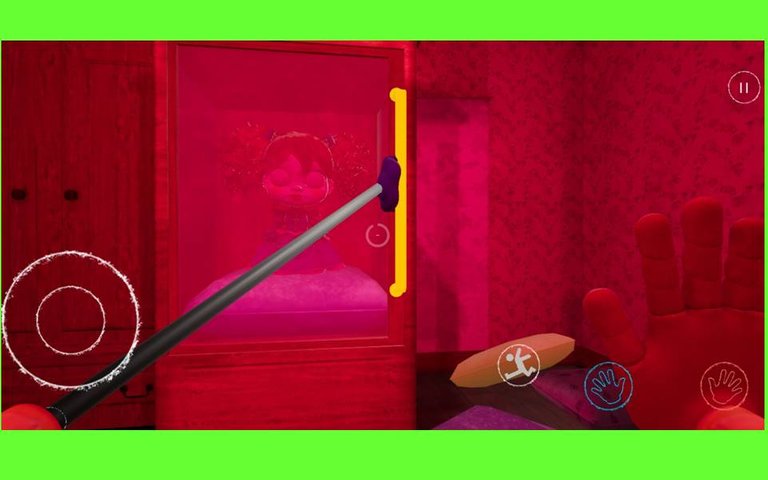
Así termina el juego del capítulo I, pronto estaré subiendo el video del capítulo II que aún no ha sido agregado para Android
Espero les guste mi video, hago mis publicaciones con mucho cariño y dedicación, para siempre traer contenido de calidad, y sobre todo original.
Cada día trataré de mostrarle mucha, magia, alegrías, aprendizajes, y muchas cosas más.
Este mundo de eollarvesm tiene para brindar variedad de contenido, entre ellos, dibujos, videos, historias, finanzas, entre otras cosas.
Chao, nos vemos o leemos en un aproxima publicación.
Información de la plantilla de la Intro en el video:
AWESOME GAMING INTRO
https://panzoid.com/tools/clipmaker?c=422936
¡Esta plantilla es gratis, fue creada por shadowboy
Música:
Pista: Unknown Brain x Rival - Control (feat. Jex) [NCS Release]
Música proporcionada por NoCopyrightSounds.
Ver:
Descarga gratuita / Transmisión: http://ncs.io/ControlYO
Fuentes:
https://www.dafont.com/flash-rogers.font
https://www.dafont.com/video-games.font
Siéntase libre de usar esta plantilla
Description of Video
**Fun step by step tutorial to learn how to play Poppy PlayTime Cap I on Android. **
Hello dear friends of this great platform, today I bring you a video tutorial to beat the game Poppy Playtime Chapter 1, this is a different game, with mysterious and horror themes.
The game starts in the menu where we must give Play and New Game.
At the beginning of the game, there will first be an advertisement for the Poppy doll, of which, I already made a drawing in the Alien Art Hive community, and gave it my own touches to make it great, I invite you to visit my profile and so you can see that impressive drawing step by step, I know you will like it.
Then, at the end of the advertising, that's when we should start the game, the main character, he's a former toy factory worker, and it's done in the first person.
At the beginning we must go to the corridor on the left, where we will have to place a code on a controller with colored buttons, the key is green, pink, yellow and red, which is used to unlock the door where an important element is obtained, which we need throughout the game to be able to reach the end.
When the door opens, we have to grab the videotape, which is on a desk, which is where we can see the instructions on how to use it responsibly, the grabpack, which is the relevant element that I mentioned to you and that we will need throughout the game.
After having obtained the blue hand, we must go through the door at the back of the front wall, from where we started.
There will be a scanner to place the blue hand, we launch the grabpack towards the scanner so that the other door opens, that will take us to an area where Huggy will be, I also drew this mysterious character digitally for the Alien Art community Hive, when you get to him, he will be immobile and will not attack you yet.
You'll find a scanner just like the other one, but when you place your grabpack hand, the electricity will go off, so you have to look at Huggy again, and he'll hand us a key (I say he will, but it literally magically appears in his hand XD)
Well, when we get the key, we have to go to the area that says Power, we connect the cables and Huggy disappears and teleports to the door where we are going (I don't know how he does it, it's the magic of the game).
The next step is to collect the colored batteries, which are scattered in the warehouse, where we then have to go up the stairs to put them in their place, and that will make us get the red hand that we are missing.
After going down as if it were a slide, you have to connect other cables, after that puzzle, we will reach the make a friend area. To make another puzzle of cables and make a doll that serves so that the door, where Huggy is, can be opened and that is when the ugly doll comes to life.
When executing all those steps that I am giving you, of course everything written here is in a summarized way, I recommend you watch the video, so that you can appreciate the tutorial process in more detail.
This is the most exciting part of the game, and it's where Huggy comes out to chase us down the conveyor belts.
Going through several tapes where we are chased by the evil doll, we reach a part where we must wait for him to be close to throw a box on his head that is seen above and thus get rid of him in this first chapter.
Huggi has already fallen into the void, now we must go through a labyrinth, which is better that you see it in the video, since writing it I think it would be more difficult for you to understand it.
Now comes the final part of the game, it is when you have finished the maze, you find the flower drawn on the wall and where its center is the door that you must open, you enter and go to the end of the corridor that looks redder, for later move the mysterious doll to Poppy's room, and free her from her cage.
This is how the game of chapter I end, soon I will be uploading the video of chapter II that has not yet been added for Android
I hope you like my video, I make my publications with a lot of love and dedication, to always bring quality content, and above all original.
Every day I will try to show you a lot, magic, joys, learning, and many more things.
This world of eollarvesm has to provide a variety of content, including drawings, videos, stories, finances, among other things.
Bye, see you or read in an upcoming publication.
Template Info:
This Template is free!
AWESOME GAMING INTRO
https://panzoid.com/tools/clipmaker?c=422936
Music:
Track: Unknown Brain x Rival - Control (feat. Jex) [NCS Release]
Music provided by NoCopyrightSounds.
Watch:
Free Download / Stream: http://ncs.io/ControlYO
Fonts:
https://www.dafont.com/flash-rogers.font
https://www.dafont.com/video-games.font
Feel free to use this template
▶️ 3Speak
Vaya, este videojuego combina muy bien la temática tétrica con la infantil; un horror palpable, sin duda, la parte de la persecución me mantuvo en suspenso jaja vaya susto con Huggi!
Algunos aspectos me hicieron recordar a otros videojuegos de horror. El tutorial te quedó genial; me sorprende la fluidez con la que describes. Excelente! Yo a tu edad no me atrevía a jugar estos géneros jaja 🤣🙈. Pero este realmente se ve chido. Lo descargaré, quiero sumergirme en este mundo. ⭐👍
Saludos 👋.
Hola amigo, wow que comentario tan genial, muchas gracias, que bueno que te gusto mi video, si el juego es de suspenso, ahora salió el capítulo 2 que es aún más terrorífico, estoy desesperado que salga la versión para Android para jugarlo, saludos te deseo mucho éxito.
Definitivamente voy a evitar que mi sobrinito véa esto, JAJAJA na mentira, pero si que el tema de querer jugar poppy play time en celular fue todo un dilema meses atrás, gracias por tu aporte! QUIZÁS, sea un buen tío y se lo descargue. (O eso sería ser un mal tío?) Jajajaja
!LUV !PGM
jajajaja, no seas un mal tío 🤣, si realmente era un dilema terrible, gracias a ti por ver mi video, yo tampoco sé si descargarlo vayas a ser un mal tío o un buen tío, aquí también existe un dilema 😅, pero si sería genial para tu sobrino 😎, saludos te deseo mucho éxito
@bananasfallers(9/10) gave you LUV. H-E tools | discord | community | <>< daily
saludos amigo, excelente gameplay nos compartes. Primera vez que veo este tipo de juego, sin embargo se ve fantástico y tienes algunas partes que me quede sorprendido. Gracias por compartirlo con nosotros. Saludos.
Gracias por apoyarnos en Tweeter!!
!BBH
!ALIVE
!LUV
!PIZZA
!PGM
@celf.support(7/10) gave you LUV. H-E tools | discord | community | <>< daily
@eollarvesm! You Are Alive so I just staked 0.1 $ALIVE to your account on behalf of @celf.support. (7/10)
The tip has been paid for by the We Are Alive Tribe through the earnings on @alive.chat, feel free to swing by our daily chat any time you want.

Because this is such an awesome post, here is a BBH Tip for you. . Keep up the fantastic work
PIZZA Holders sent $PIZZA tips in this post's comments:
@celf.support(5/10) tipped @eollarvesm (x1)
Please vote for pizza.witness!
Congratulations @eollarvesm! You have completed the following achievement on the Hive blockchain and have been rewarded with new badge(s):
Your next target is to reach 100 upvotes.
You can view your badges on your board and compare yourself to others in the Ranking
If you no longer want to receive notifications, reply to this comment with the word
STOPTo support your work, I also upvoted your post!
Support the HiveBuzz project. Vote for our proposal!