In this post we take a look at How to Use DELTA Function in Google Sheets. Previously we looked at how to use the UNICHAR function in Google Sheets. In case of the delta function we make use of it to find if the values are equal so like that we are going to proceed with the tutorial. If you have never tried this function you should check it out in the spreadsheet.
Find the two numerical values, find out how they can be equal, this can be easily done with the help of the DELTA function. This sort of the function can be useful for variety of the tasks like data analysis and also for the comparing of the values and also finding out the duplicates. This is something a lot of interesting use cases can be built upon. Which is what I am trying to do here.
You can now take a look at the visual instruction of this tutorial through the video. Let's take a look at one of the tutorial where you can learn how to use DELTA Function in Google Sheets.
Let's create a columns, where 1 column where you can add the number and also in second column you can add more numbers. And then use that in the spreadsheet for the below formula.
So here's the basic formula that you should check out.
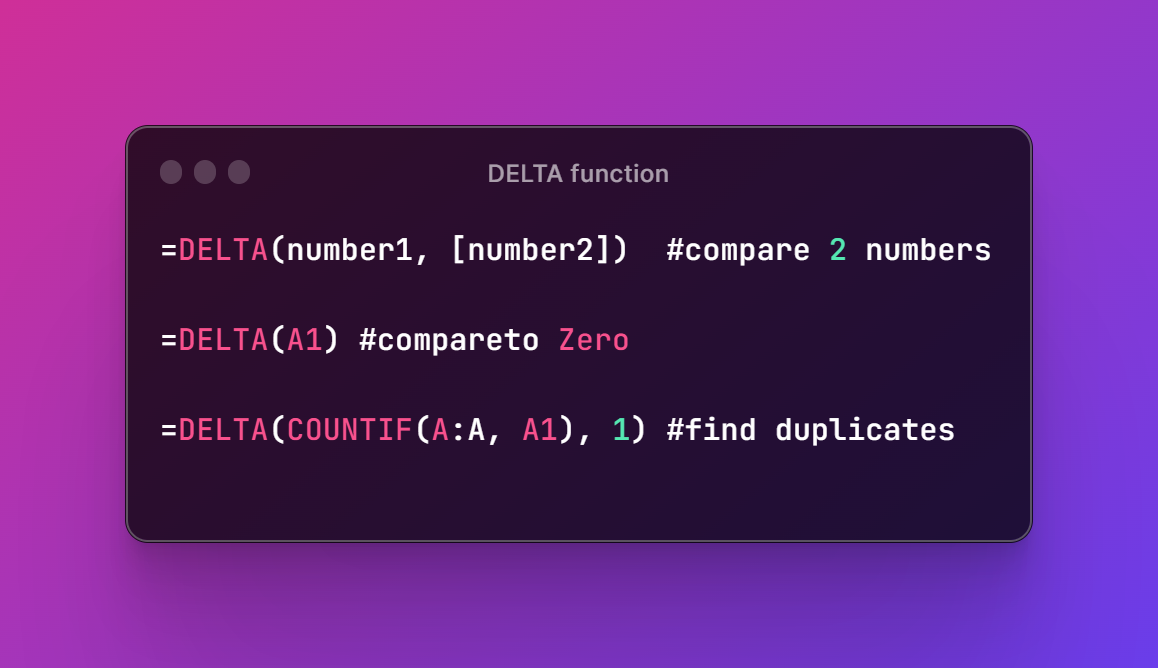
=DELTA(number1, [number2])
Now second example where we can experiment. Say you want to compare it with zero.
=DELTA(A1)
and third example is identify duplicates for columns.
=DELTA(COUNTIF(A:A, A1), 1)
Hope below reference image helps.
You can use the conditions like COUNTIF, SUMIF, or AVERAGEIF and also with the IF functions that you would want to try out and experiment with. Like these functions would make it easier for you to add additional conditions which would bring the results too. Something you may want to add with the other conditions when comparing larger portions of the data. So in that context it kind of helps as well.
I hope this tutorial helps. I have managed to write the content and also made the videos. You would find the variety of the videos that are specific to the google spreadsheet. You can check that out in the channel. Make sure to like, share and subscribe the content. This would be a good option for you to explore the content and also check out new as each week I upload new. Make sure to like, share and subscribe to the channel. I'd appreciate the help that you can offer in such case for the channel.
I'll add more spreadsheet tutorial by the next week. :)
Thanks for your contribution to the STEMsocial community. Feel free to join us on discord to get to know the rest of us!
Please consider delegating to the @stemsocial account (85% of the curation rewards are returned).
You may also include @stemsocial as a beneficiary of the rewards of this post to get a stronger support.