Depends on how you started it. Did you use the docker commands?
I assume you have started it in server mode then no buttons are there, it will schedule a refresh of the data every 30 minutes.
When started in normal mode you have two buttons:
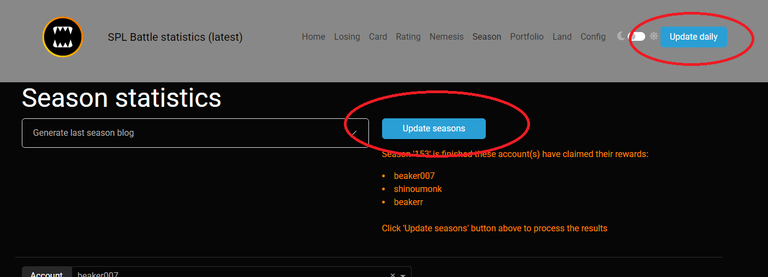
And did you authorized the application is needed for battles history?
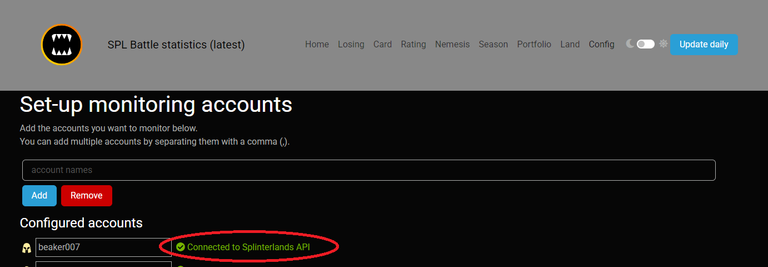
Let me know it this is it else we take a further look...
Also if something else is incorrect or missing let me know
It's working!! and a little bit stucked in updating portfolio, I guess it will take a while...
BTW, if I switch to normal when I started server mode... the data gets lost? Maybe would be good letting finish a server iteration first... How can I switch between modes? Ty in advance!
Just hit F5 i assume its already finished. The season part takes most of the first time. You can observe the log it its states done.
You can switch from server mode to normal mode without losing data. It both uses the same set of files.
On Windows:
normal mode:
docker run --rm -it -v C:\Temp\:/app/store -p 8050:8050 --name splinterlands-statistics gamerbeaker/splinterlands-statistics:latestFor server mode
docker run --rm -it -v C:\Temp\:/app/store -p 8050:8050 --name splinterlands-statistics gamerbeaker/splinterlands-statistics:latest -s