Evening from this side hiver.

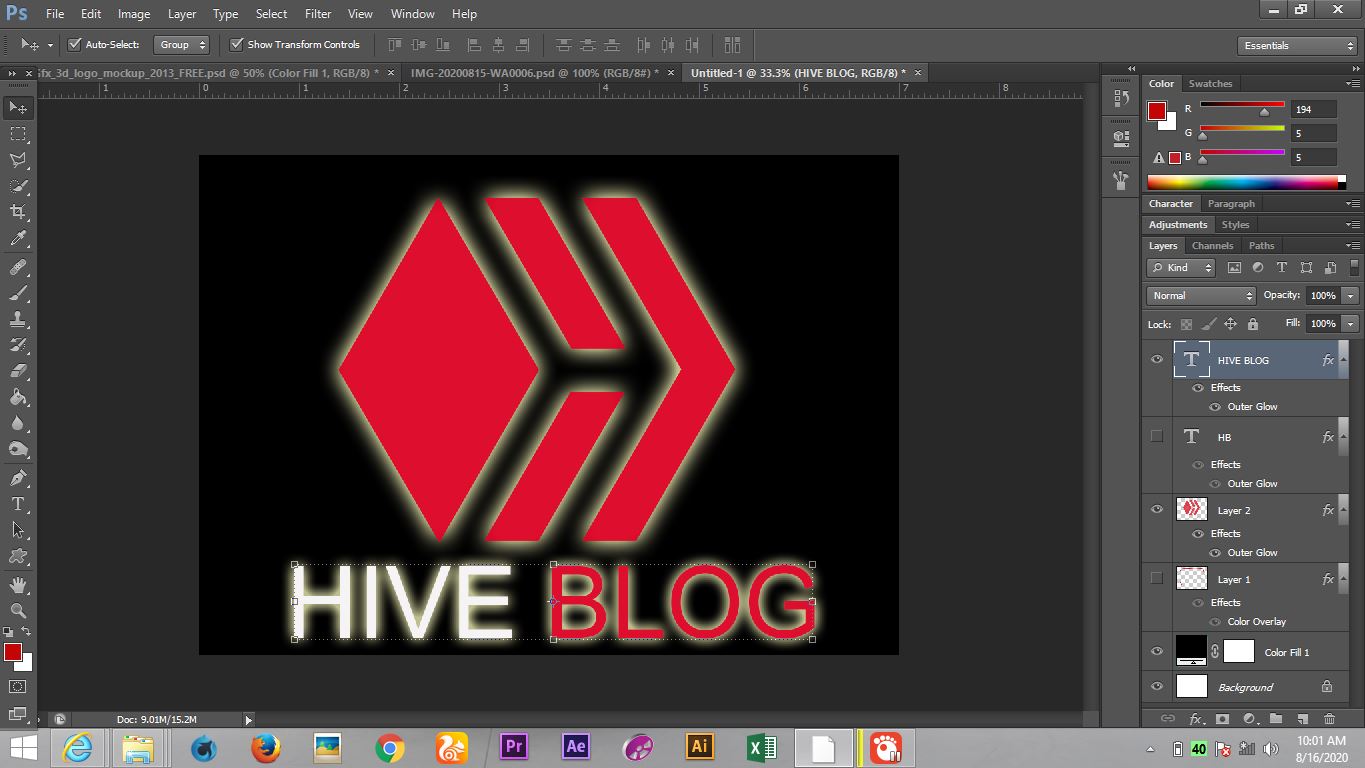
This is another Outer glow effects of hive Blog, this is a logo design that was sone of Photoshop with proof.
Here i have come with a simple logo design for HIVEBLOG, i just type the word Hive. And blog, while hive in white color, blog in Red color with hive logo on top.
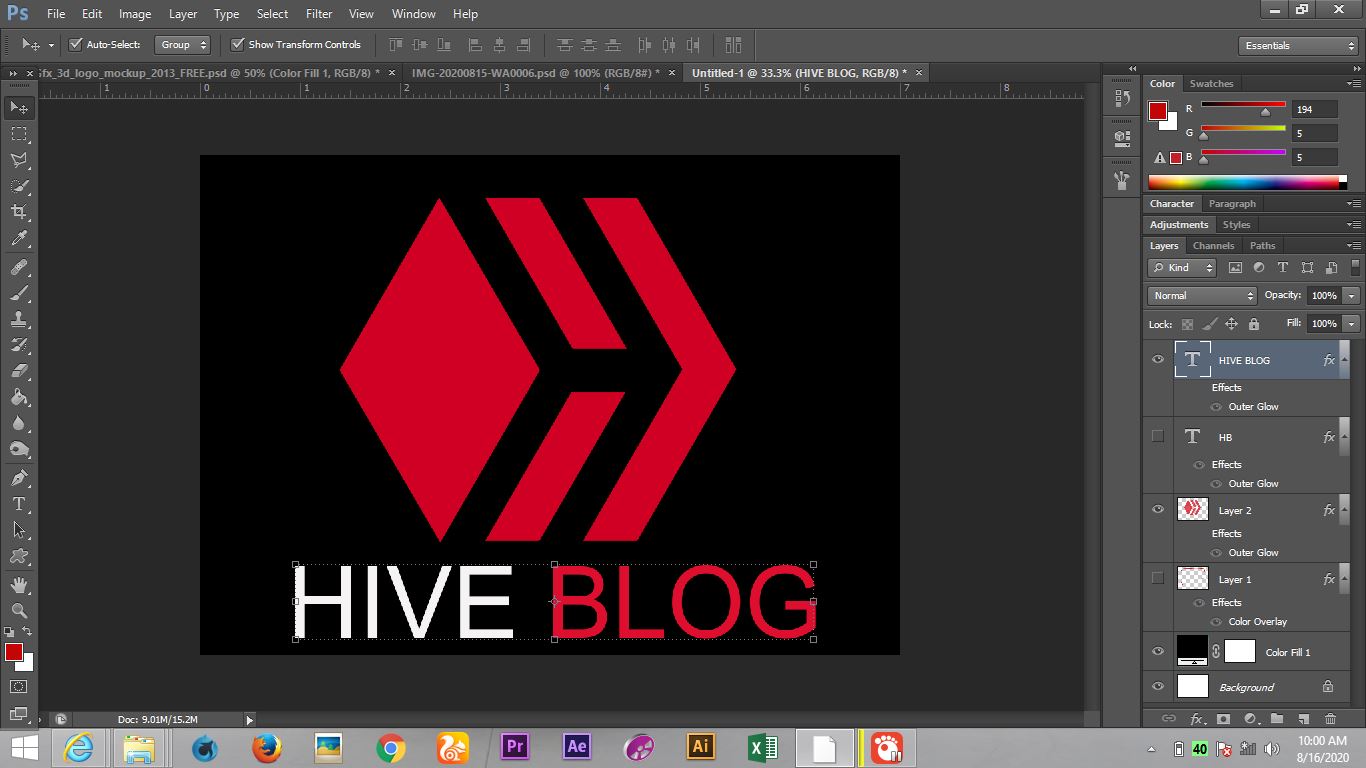
How i get this done?
I click on the layer of the text and right click on it, and i click on blending option then select outer glow, you can then adjust it to the way you want it to be.
This is another style of logo design, H stands for hive, B stands for Blog while H in white color while B in red color, then hiveblog text below it
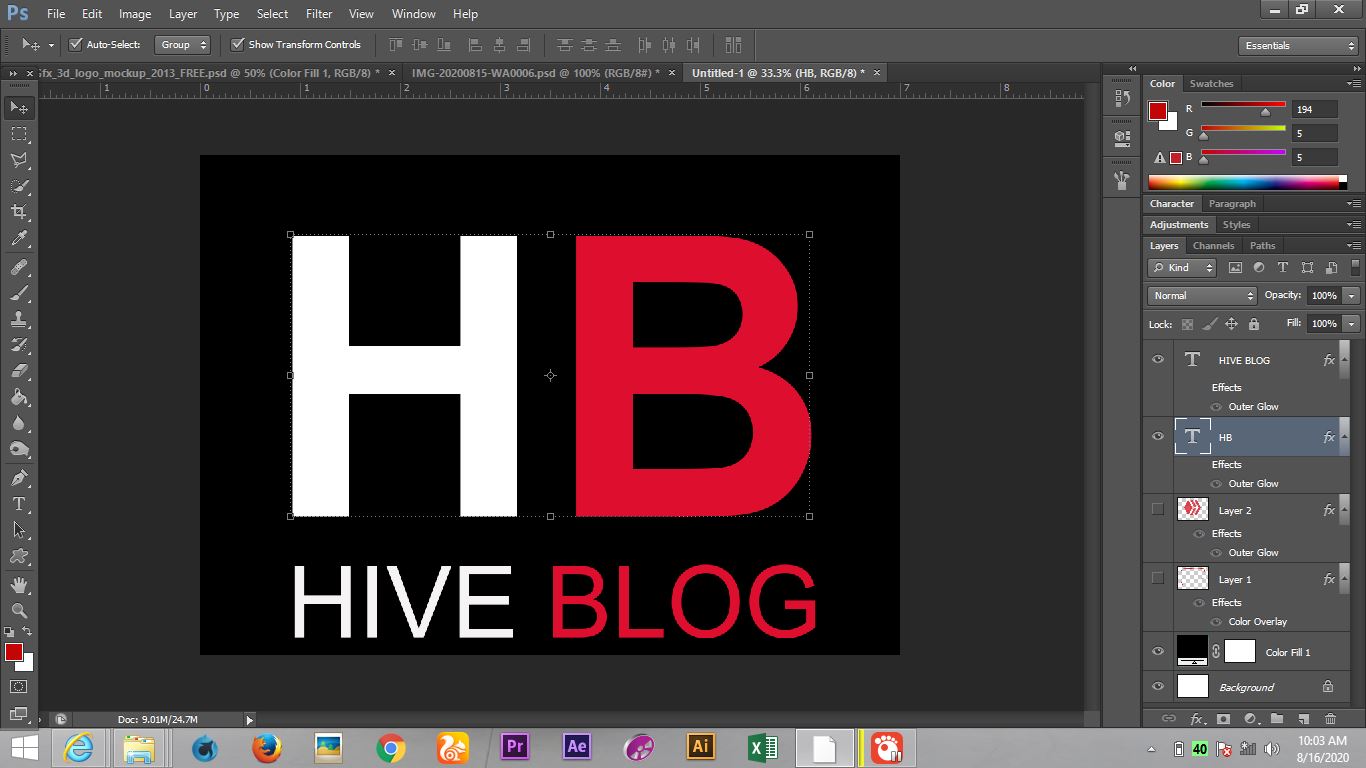
I click on the layer of the text and right click on it, and i click on blending option then select outer glow, you can then adjust it to the way you want it to be.

Jpeg format

Congratulations @mayorfaruk! You have completed the following achievement on the Hive blockchain and have been rewarded with new badge(s) :
You can view your badges on your board And compare to others on the Ranking
If you no longer want to receive notifications, reply to this comment with the word
STOPTo support your work, I also upvoted your post!
Do not miss the last post from @hivebuzz: