Art Process 🖌
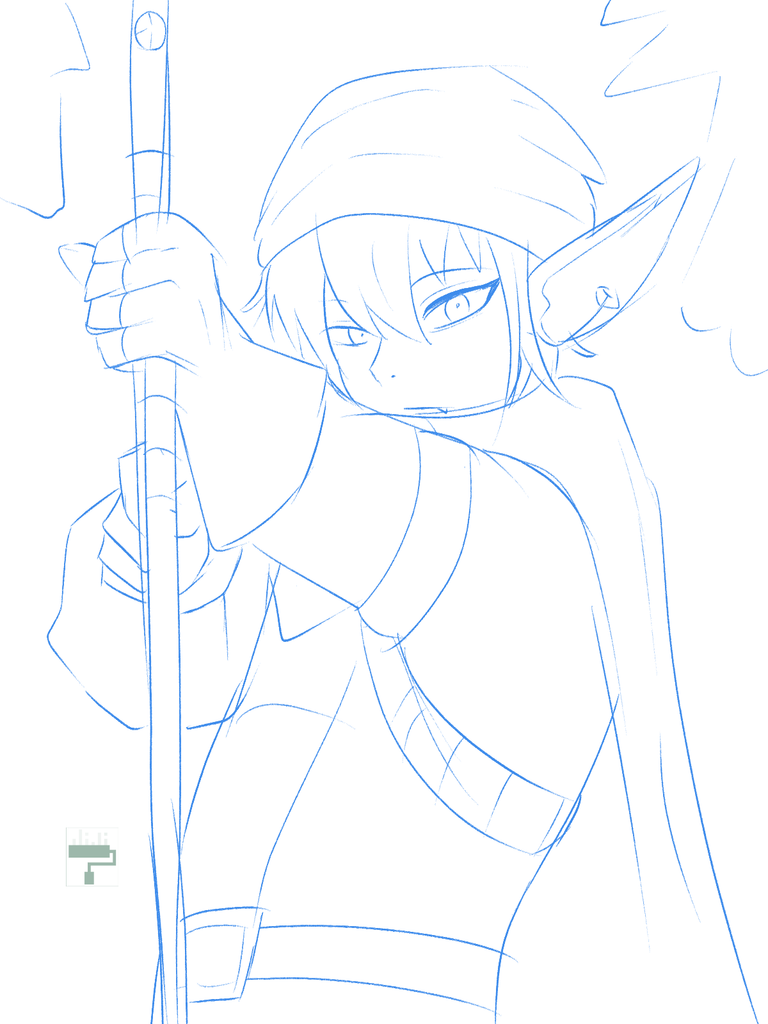
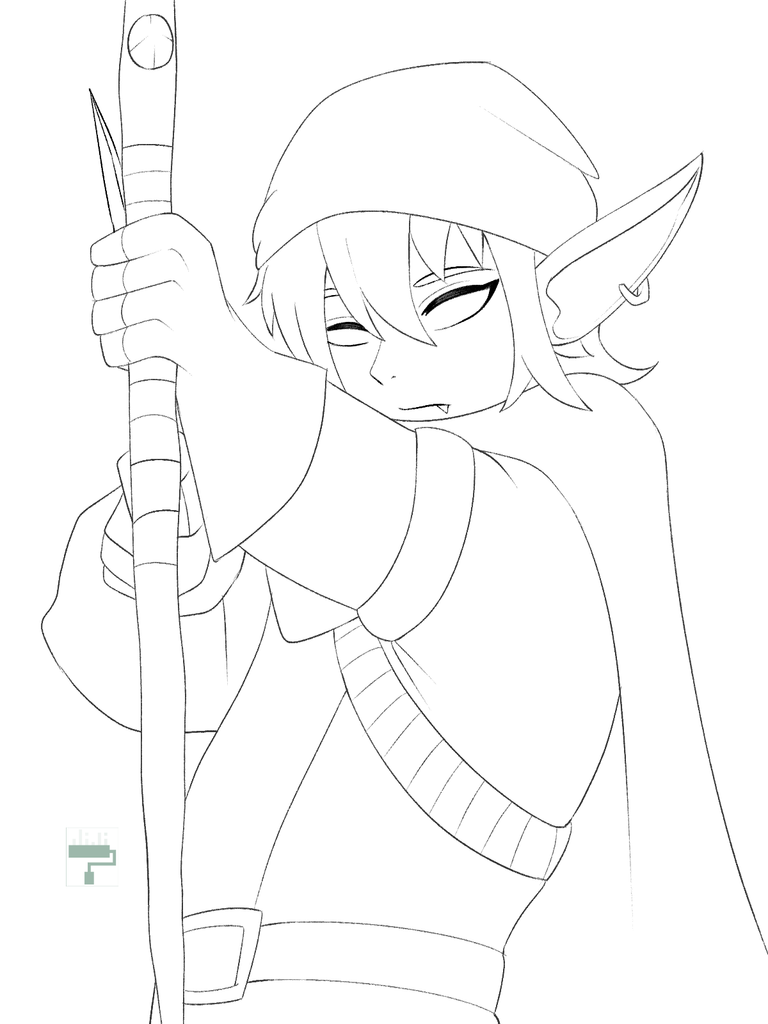
- sketch and lineart
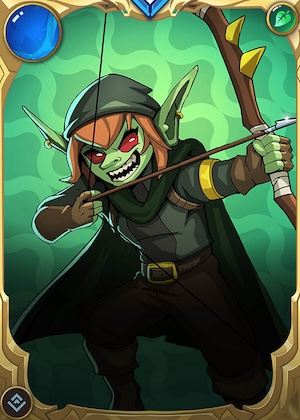
I was looking for a card in the anatomy of a human. But then, all the cards that I was considering had already been drawn. So, I opted for half-humans or human-like characters. I chose this goblin-looking character with a bow and arrow.
The character looks gnarly but then decided to have a flat or neutral expression in anime style. This character reminds me of a video game character named Link. Link is a non chalant character which is opposite of this card, hehe.
I looked for a nice pose of a character with a bow and arrow. At first, it was hard to find, but I kept on scrolling until I found the fitted one. I then started to sketch using a rough texture brush. One another layer, I used the same brush and began working on the lienart.
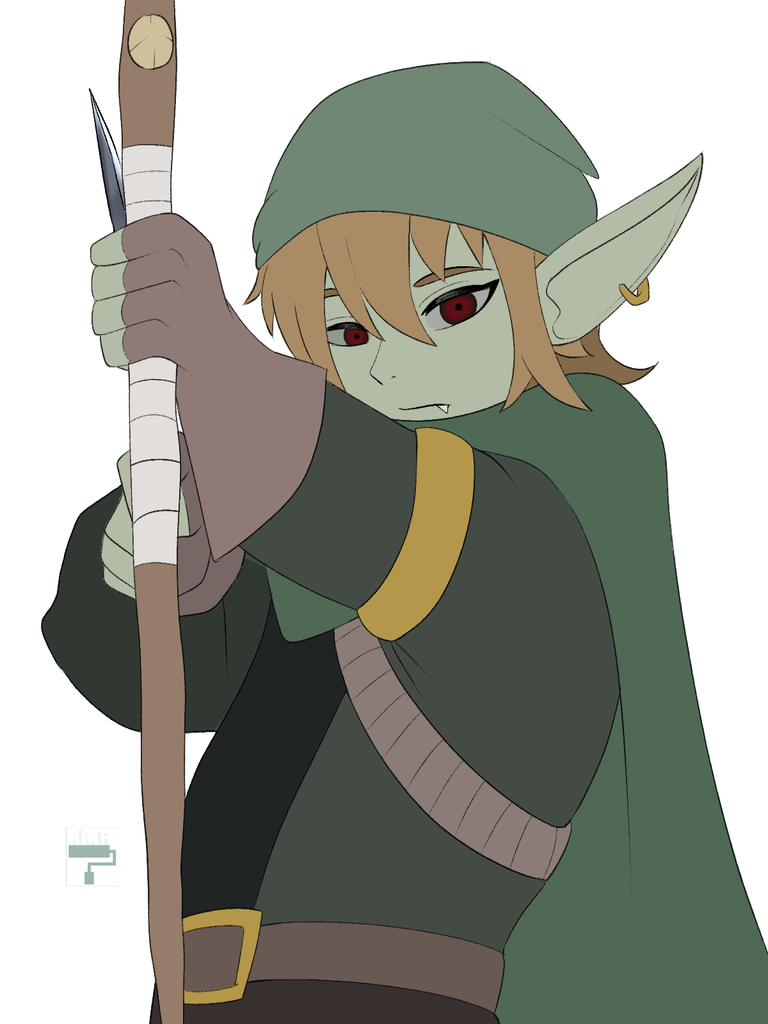
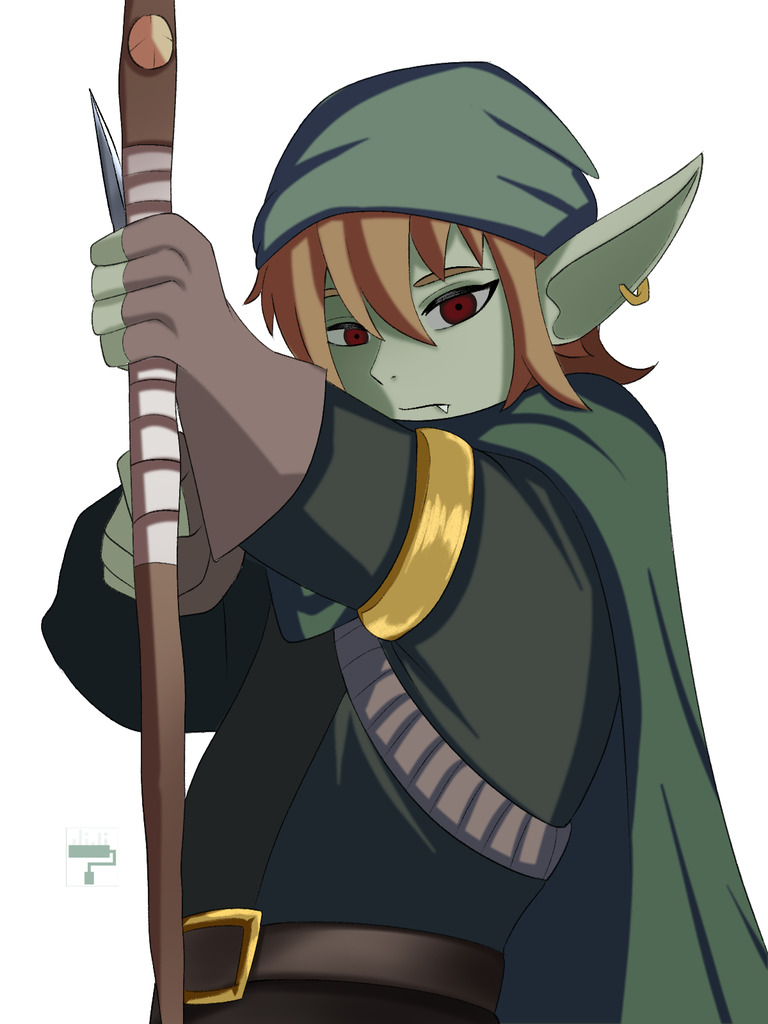
- base color and initial shading
On a layer, I used the color-pick tool from the toolbar to copy the colors from the original art. I like the different shades of green, including the skin. The orange hair complemented it very much. For faster processing, I used the bucket color tool and used the erase edge brush for the color beyond the line. On a clipped layer, I used a cell brush with a narrow tip for the shading. I then used the blur brush.
This is the part where big chunk of my time went. I had to make sure that half way that I like the outcome. Sometimes if I am not feeling the art, I discard it or put it on my "later" folder on my laptop. In that way, I can easily access my not forgotten files. 😁
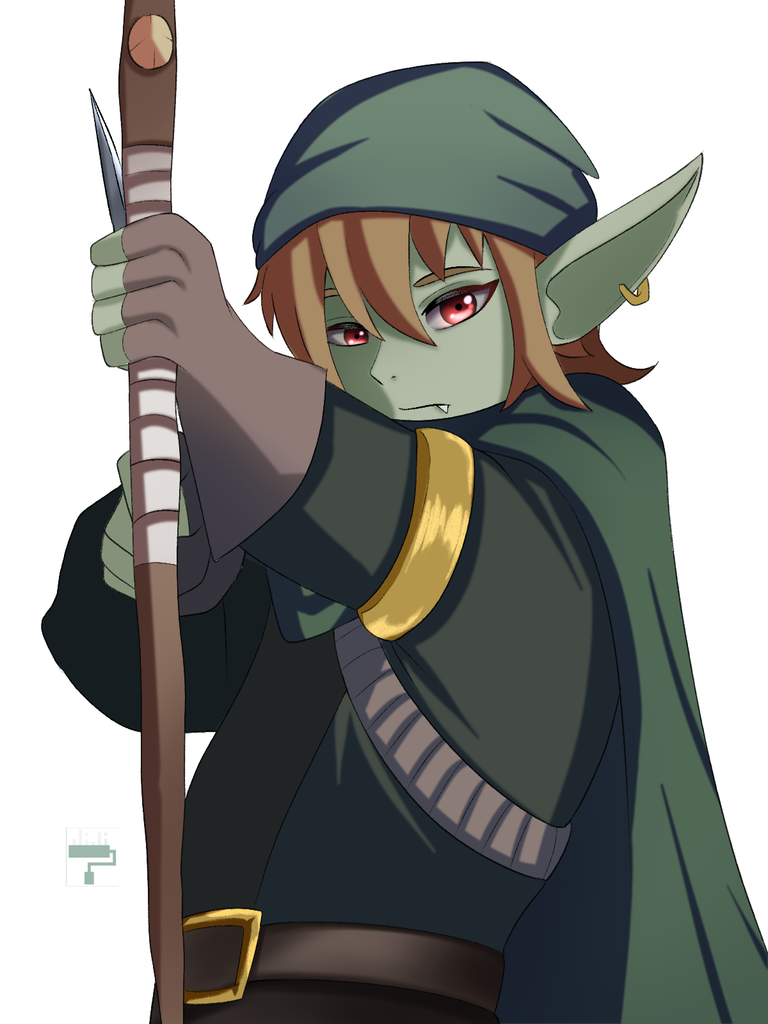
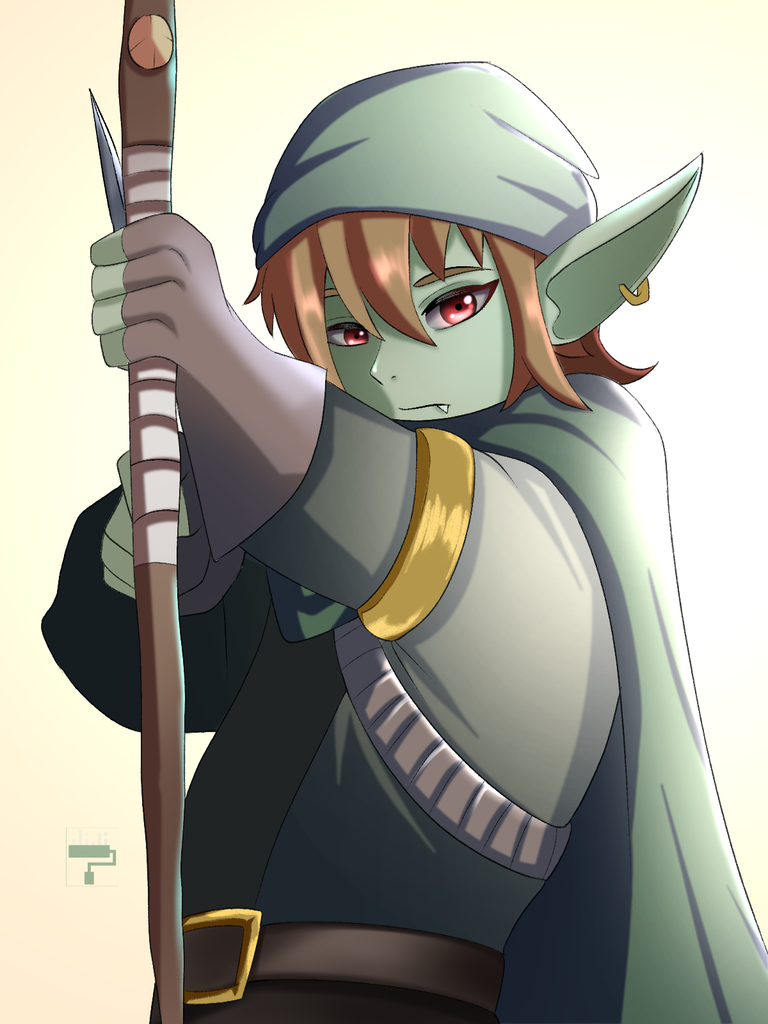
- detailing and lighting
After the shading, I worked on the eyes. They say that the first thing that a person notices is the eyes, so it is important to focus on the eyes. Working on eyes is both simple and complicated, hehe. I really like the bright eyes that offset the green palette. Next, I added another layer on top of every element to work on the light element. I decided to put the source on the right side. I used an airbrush in the color yellow to make the lights. It is easier for me to know where to start when I know where the source of light is. 😁 Sometimes, I put all the layers in a folder and clip a layer and render the light all at once. 😁
Final Art
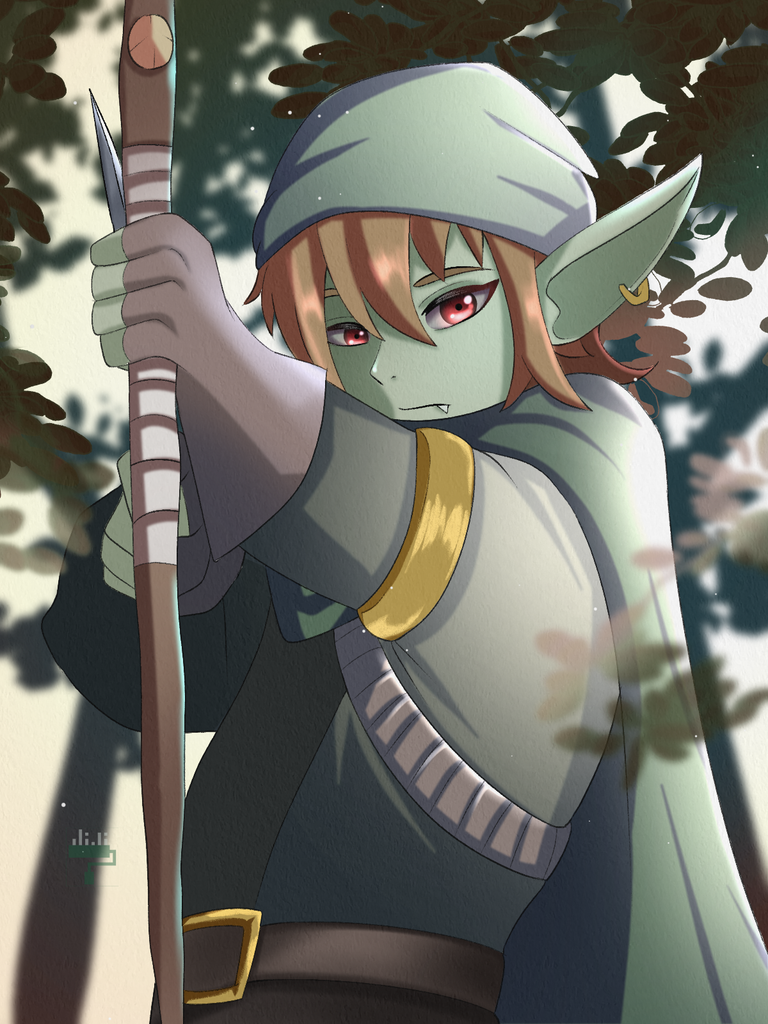
I would imagine Gobson Sniper is hunting in the forest, so that was the vision for the background. I searched for tree and leaf images in my downloaded files to use as a background. I then manipulated the images like changing the color, saturation and blurness to match the subject. I kept the background blur so that it will make a dimension. I also blurded out some leaves on the front.
I was indecisive about the color background. I was considering blue or red but ended up with yellow instead. I liked the outcome! So I kept it that way.
Tadaaa! I hope I imparted some knowledge through my art process! 😊 Feel free to ask anything on the comment section and I will answer to the best of my skill!! 🥳💕
Software: Clip Studio Paint Pro
That is it for this art blog. I will see you at the next one!
📸 All photos are owned and taken by me, otherwise credited. ©️jijisaurart
💖 NFT Showroom: Chibis on Hive
🖌 Open for commissions!! !😊
Hehe, as so often, your drawing looks better than the original Splinterlands art! 👍
Hala, thank you po. ☺️
!PIZZA
Congrats on winning this week's contest, Jiji 🥳!
Thank you, Ema! 😌
Hehehe, thank you, Bhatt! 😊
!PIZZA
$PIZZA slices delivered:
@jijisaurart(1/10) tipped @gen-quimba
jijisaurart tipped bhattg
Come get MOONed!
Thanks for sharing! - @cieliss
