
Simple business or company logo design .............
7 June 2021
Hello my dear friends.
Assalamualaikum. I hope everyone is great by the grace of Allah. After a long time I'm back with another tutorial blog. These days I was little busy in my life. But today I'm back with another tutorial of a simple logo. In today's blog I'm gonna share how to make a simple logo design for our business. Logo is the main part of our business and It's pretty easy to make. So now I will share the easiest process of logo designing. So without wasting time let's get started!
Process:
step 1:
.png)
.png) | .png) |
|---|
At first I took a new artboard for the logo. I took a 300×300 size artboard. Then I took a new layer and wrote M and took a new font size as much as I needed. Then I colored it with silver color.
step 2:
.png) | .png) |
|---|
After that, I took a new layer and wrote B and took a new font size as much as I needed. Then I colored it with sky blue color.
step 3:
.png)
After coloring and finishing both layers I adjusted the layers. Then I adjusted M and B in a new layer and attached them perfectly.
step 4:
.png) | .png) |
|---|
Then I made the writing part or the logo. For making the writing part I used the same font and same process. At first I took a layer for mobile and then colored it. Then I made the bepari part with the same process and adjusted both perfectly.
step 5:
.png) | .png) |
|---|
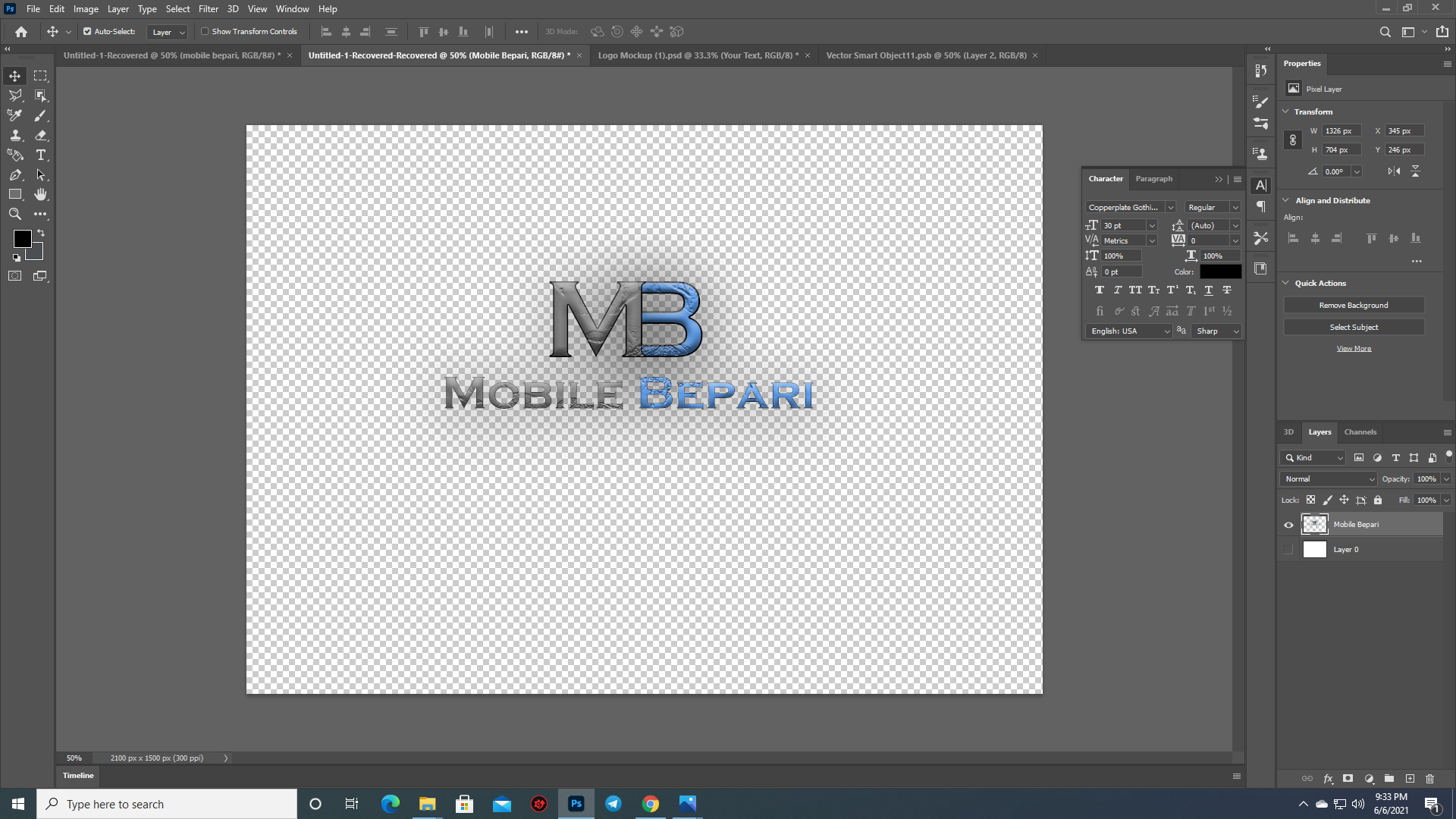
After finishing those works I added color overlay, drop shadow, stroke and texture for a good premium finish.
step 6:
vgf.jpg)
In the end I try a mockup design on the logo. So this is how we can make a simple but gorgeous logo design for our business and company as well. That's it for today. I hope everyone learned something new from my todays blog post. See you soon in my next blog. Till then stay safe.
Thanks
Hi @troublemakerrr, your post has been upvoted by @bdcommunity courtesy of @rehan12!
Support us by voting as a Hive Witness and/or by delegating HIVE POWER.
JOIN US ON