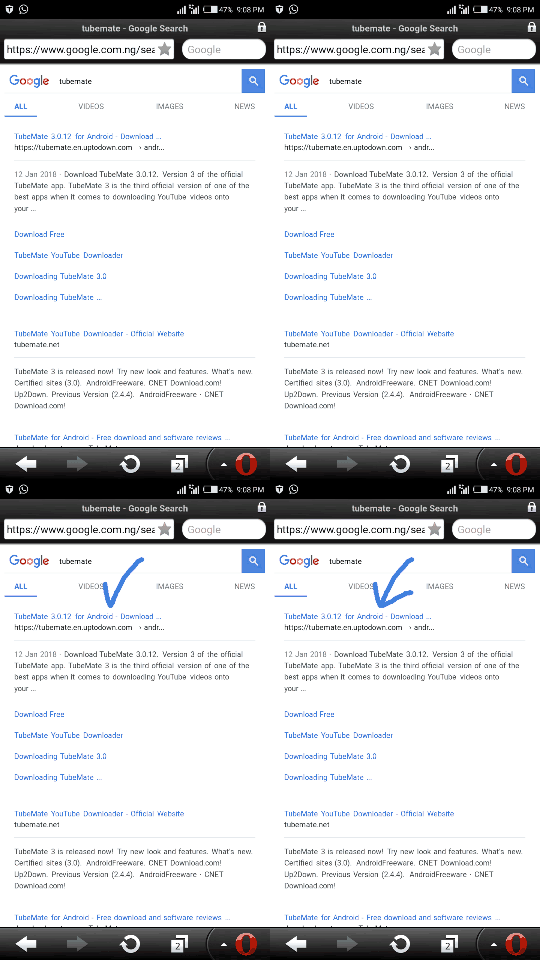
Step 1: download tubemate,you cant get it on google play store so you have to Visit YouTube Website Directly by using Built-in Browser,opramini or any browser
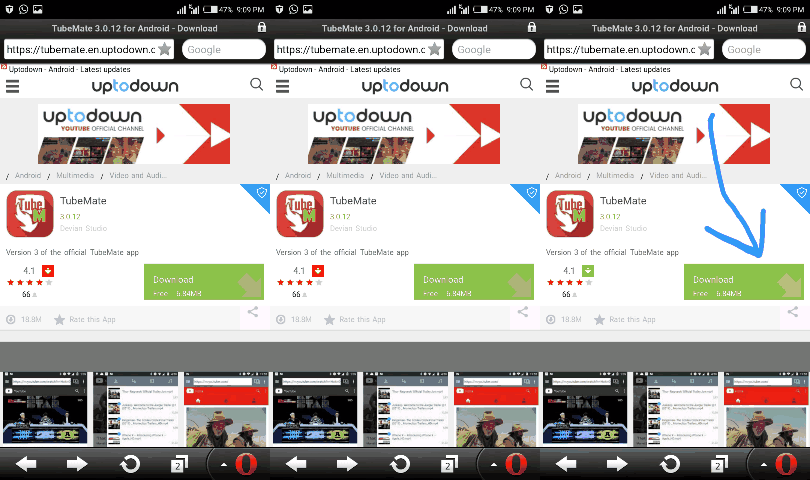
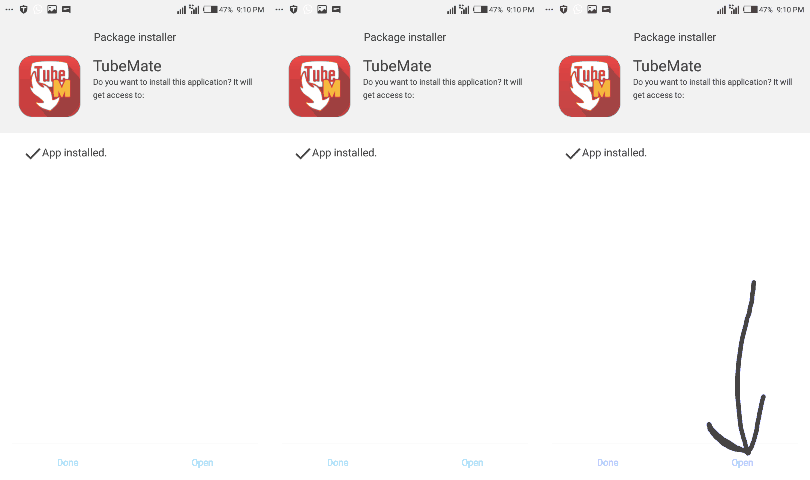
Step 2: After you have downloaded it,then install the app and after the installation is done open the tubemate
Step 3: after open the tubemate app type the name of the video you want to download then click of search

Step 4: after seen the vidoe you want to download then click one it,then press the download button
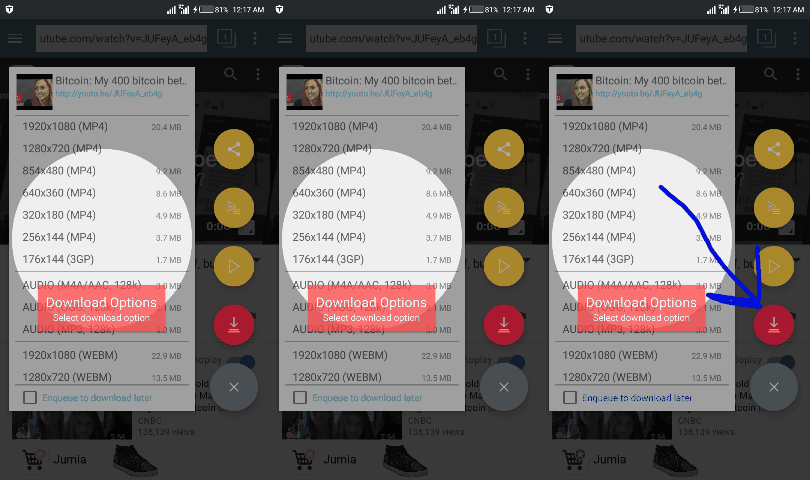
Step5 : after clicking on the download button, You will see this message “Parsing Video
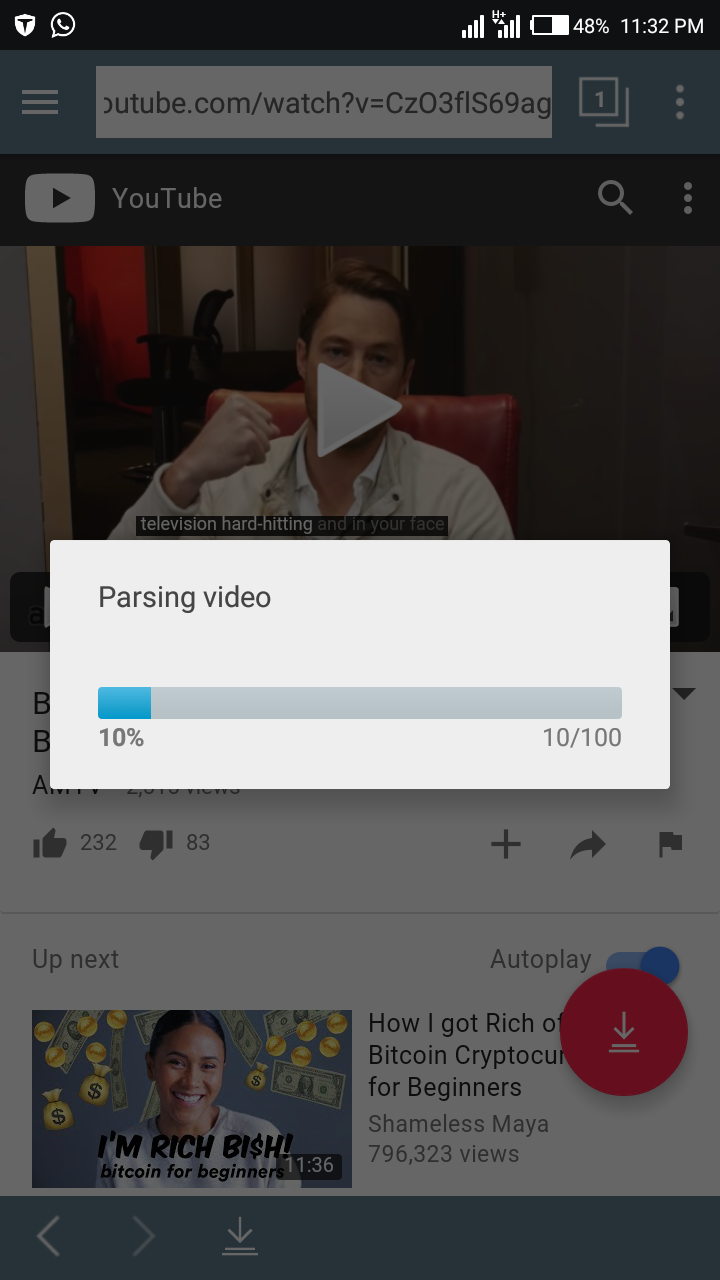
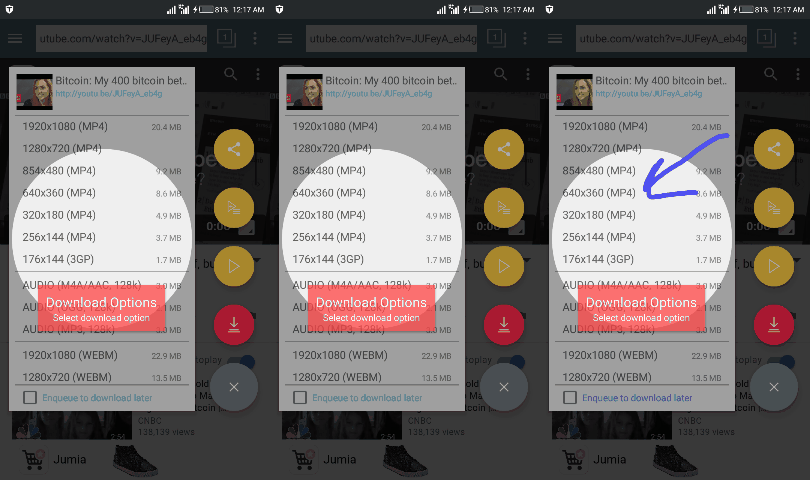
Step6: after the message “Parsing Video Information” which allows users to choose the video resolution then Choose the Video Resolution by clicking on it.the video will start downloading
THANKS SO MUCH FOR READING