LINUXOPOLIS
Building a Linux HabitatPublished with SteemPeak
home ~ previous
SUMMARY
swap ........................................................................... update 2019-12-04
glances . ...................................................................... update 2019-12-03
veracrypt ......................................................................... new 2019-12-02
cpu ............................................................................... new 2019-12-01
system ............................................................................ new 2019-11-29

network flatpak logging docker ........................................................... 2019-11
snap tiddlywiki raspi editor fail2ban tails firefox update weather firmware ufw .......... 2019-11
tmux vim prompt aliases howto container languages users history taskwarior inxi git fish . 2019-10
debian bash python pycharm systemrescuecd snippets screen neofetch ranger hardening ...... 2019-09

sources html java check tutorials arch apache dns disk onliner ramdisk host packages ide .... 2019
| GLANCES INXI NEOFETCH SYSTEM | |
| cpu | cpu dstat glances htop iostat sar sysbench vmstat |
| mem | demidecode free htop top vmstat |
| disk | disk badblocks baobab blkid cfdisk df du fdisk hwinfo lsblk lshw mount parted smartctl sync tune2fs |
| io | |
| netw | network |
| serv | apache |
| DEBIAN ARCH RASPI ~ BASH FISH TMUX RANGER VIM ~ PYTHON PYCHARM | |
| A | aliases arch adduser alias anaconda-navigator apt apt-get apt-search atop awk |
| B | bash bg bmon |
| C | check container cal cat cd chkrootkit chmod chown cmus cp curl |
| D | debian dns docker date dd dmesg dpkg |
| E | editor echo etcher exit expr |
| F | fail2ban firefox firmware fish flatpak fdisk fg file find fzf |
| G | git gnome-disks gnome-terminal grep groups |
| H | hardening history host howto html head hostname htop |
| I | ide iostat ip |
| J | java jobs journalctl |
| L | languages logging last less ln lnav locales logcheck login ls lsblk lshw lsof |
| M | mkdir mount mpg123 mtr mv |
| N | ncal ncdu netstat nmap ntopng |
| O | oneliner |
| P | packages prompt pycharm python pandoc pwgen ping popd ps pstree pushd pwd |
| R | ramdisk ranger raspi r rev rkhunter rm rmdir rsync |
| S | screen snap sources swap snippets systemrescuecd sar shellcheck sntop sort speedtest ssh stat sudo |
| T | tails taskwarrior tiddlywiki tmux tutorials tail tar tasksel terminator tmux top touch |
| U | ufw update users unattended-updates umount unalias uniq uptime useradd |
| V | veracrypt vim vigr vipw vit vmstat vnstat |
| W | weather wall watch wc which wireshark |
| Z | zsh |
node #0     : 5.2.0-3.......... Gnome 3.34.1 ... Debian GNU/Linux (bullseye sid) .... $ inxi -v 1
node #1     : 4.19.75.......... tty 0 .......... Raspbian GNU/Linux 10 (buster) ..... $ inxi -v 1

host        $ alias glances history rsync update upgrade .................... a g h rs u uu alias
services    : apache2 ssh logrotate ..................................................... s alias
apps        $ firefox brave pycharm thonny .................................... ff br pc th alias
disk        # ncdu -x /; ................... ls df du ............................... df nd alias
users       $ last | vim -; groups ..............................................................
network     $ arp-scan check inxi ufw sntop ............................. as cn exip fw snt alias
traffic     $ vnstat -i enp1s0f2; .......................................... check traffic script
speed       $ speedtest ...................................................... check speed script
check I     $ weather bat bitcoin steem ........................................ w ba bc st alias
check II    : host network ~ hardware kernel cpu disc traffic speed ~ help ............... script
ANACONDA
 homepage .......................................................................... anaconda.com
 download ..........................................  anaconda.com/distribution/#download-section
 documentation ................................................................ docs.anaconda.com

 run ....................................................................... $ anaconda-navigator

JUPYTERLAB
 homepage ........................................................................... jupiter.org
 installation ......................................................... # pip3 install jupyterlab
 documentation ............................................. jupyterlab.readthedocs.io/en/latest/

 server ........................................................................... $ jupyter-lab
 server ...................................................................... $ jupyter-notebook
SOURCES
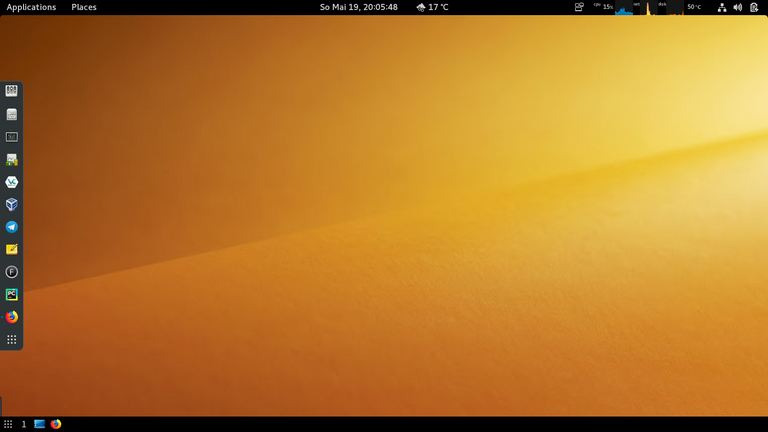
 picture ................................................... screenshoot by me ~ my gnome-desktop