XAMPP application is an application that bundle many other applications needed in web development. The XAMPP name is an abbreviation of the main application in it: X (the X is cross-platform, where XAMPP applications are available for many Operating Systems), A (Apache web server), M (MySQL), P (PHP), and P Perl). In addition to these applications, XAMPP also includes other modules such as OpenSSL and phpMyAdmin
Ok. this opportunity I will continue the previous tutorial, we will menajutkan how to install xampp webserver on the computer. before we should have downloaded the xampp file from the previous article.
ok we just follow step by step in installing webserver and setting software.
- make sure xampp is already in your computer. and just click the file xampp.exe according to the name of the file you downloaded. view image

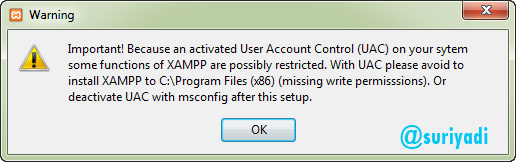
and click ok
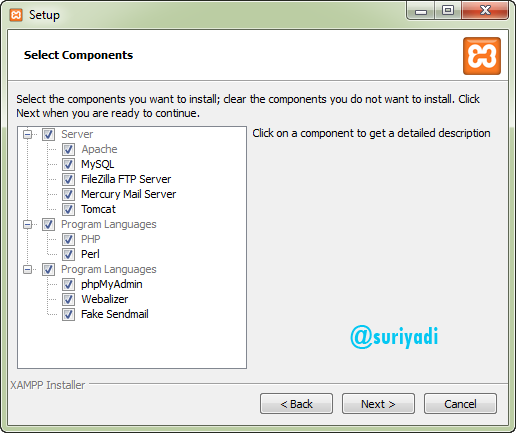
then click the next button and check all of it for all its services installed
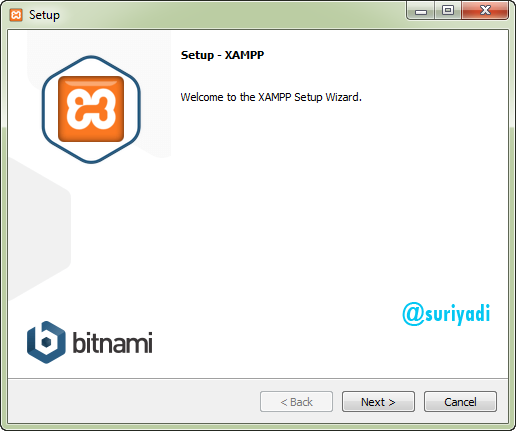
then click the next button
then click the next button and specify the folder where the program files will be saved
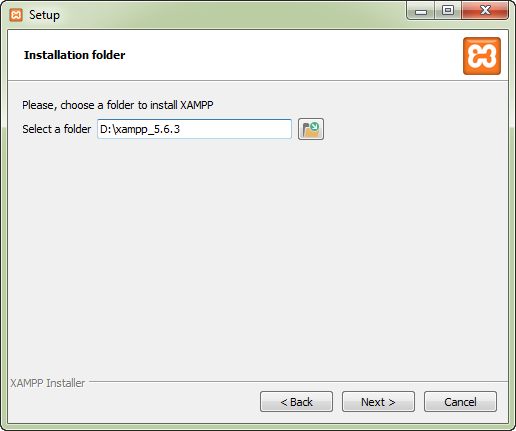
then click the next button
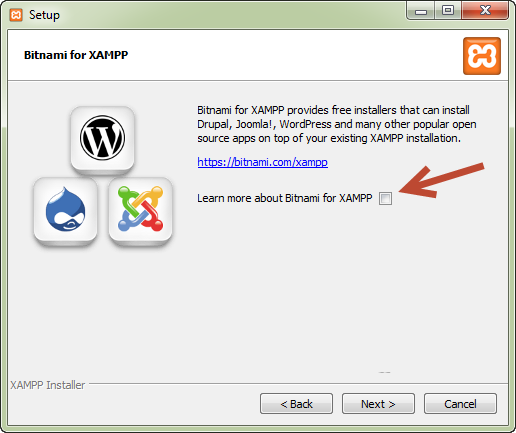
then click the next button
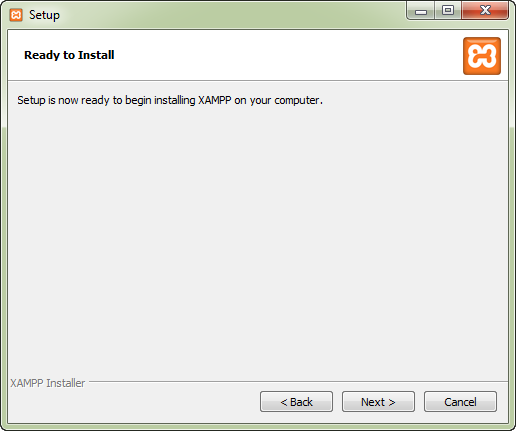
then click the finish button
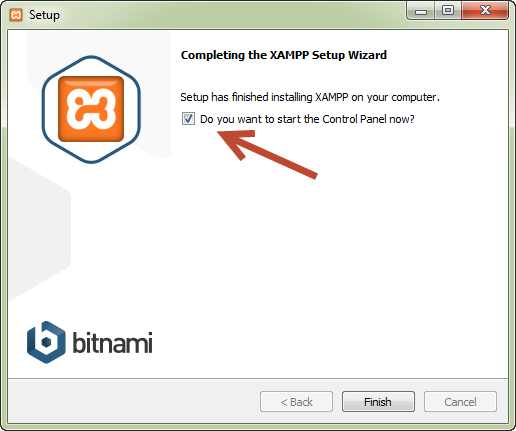
xampp install process is complete
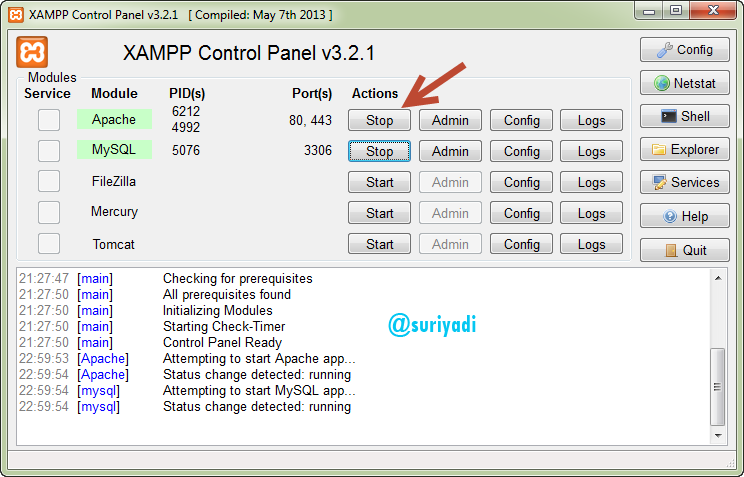
and press the finish, then xampp will open and make sure apache and mysql status are running marked in green, next try running webserver whether it is running. please open your webbrowser.
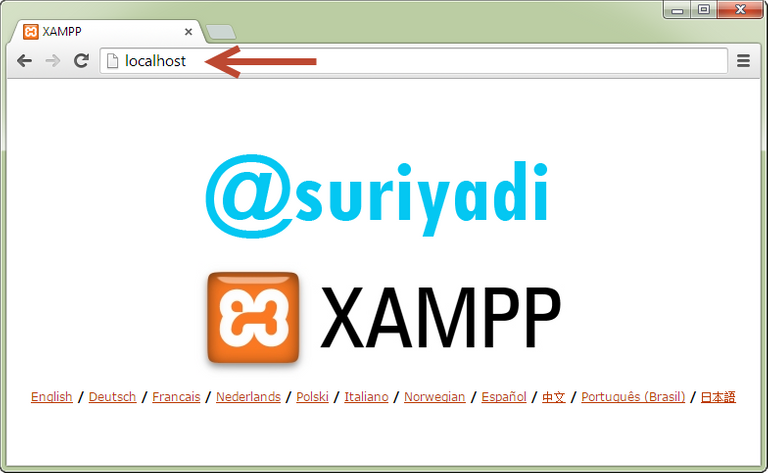
and type http: // localhost in the URL address like the following picture