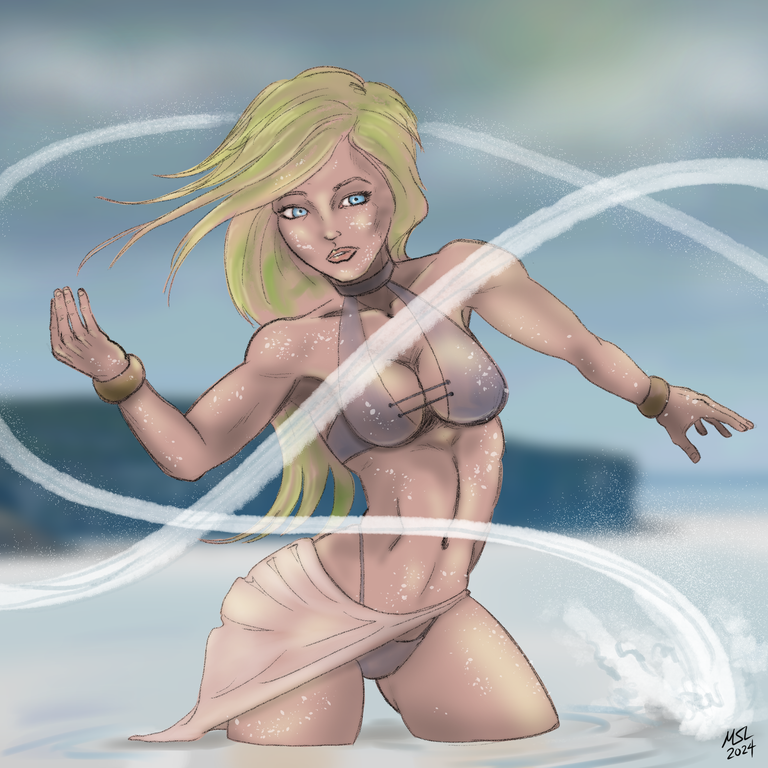
This is my entry for the weekly Splinterlands contest found HERE
Here is the original card art:

Created in Clip Studio Paint Pro on a Microsoft Surface Pro 7+. Here is the timelapse video:
https://rumble.com/v5d21k5-water-caller.html?mref=18dagn&mc=d3obe
And here is the step-by-step drawing process.
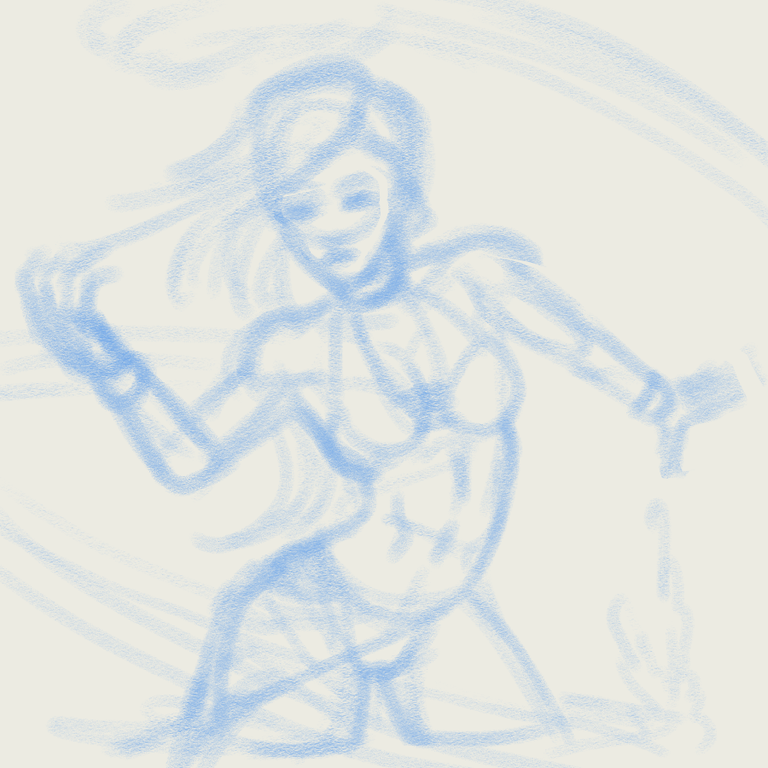
Step One: Rough draft. I use a 40 px pastel pencil to block out the rough shape
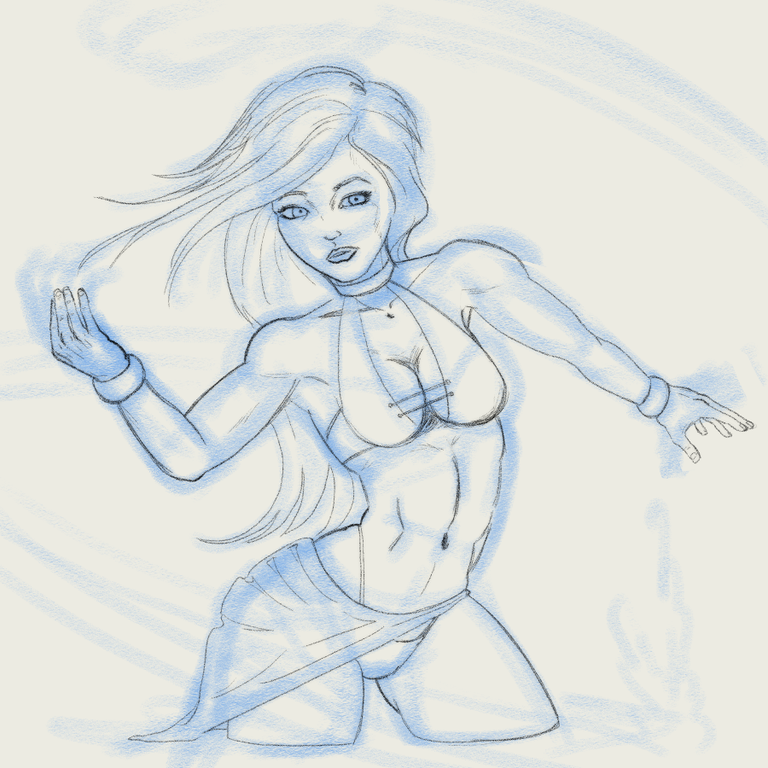
Step Two: Line art. Instead of a black pen I went with a pencil for a softer edge on the final drawing
Step Three: Create a flat color layer for the base figure

Step Four: Create a clipped layer and use a smooth watercolor brush to add the additional colors for hair and clothes

Step Five: Shading!
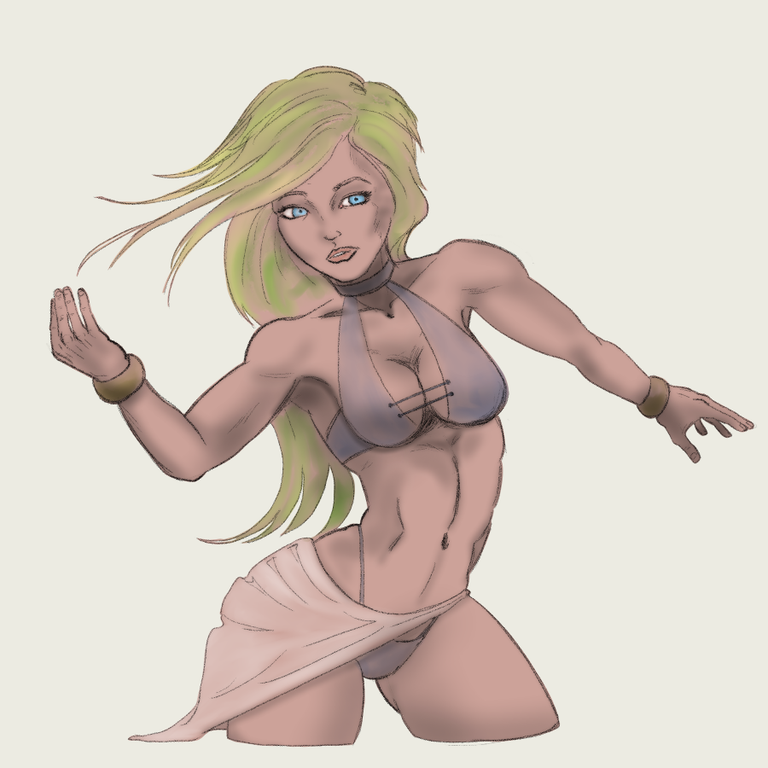
Step Six: Create an overlay layer for reflected sunglight
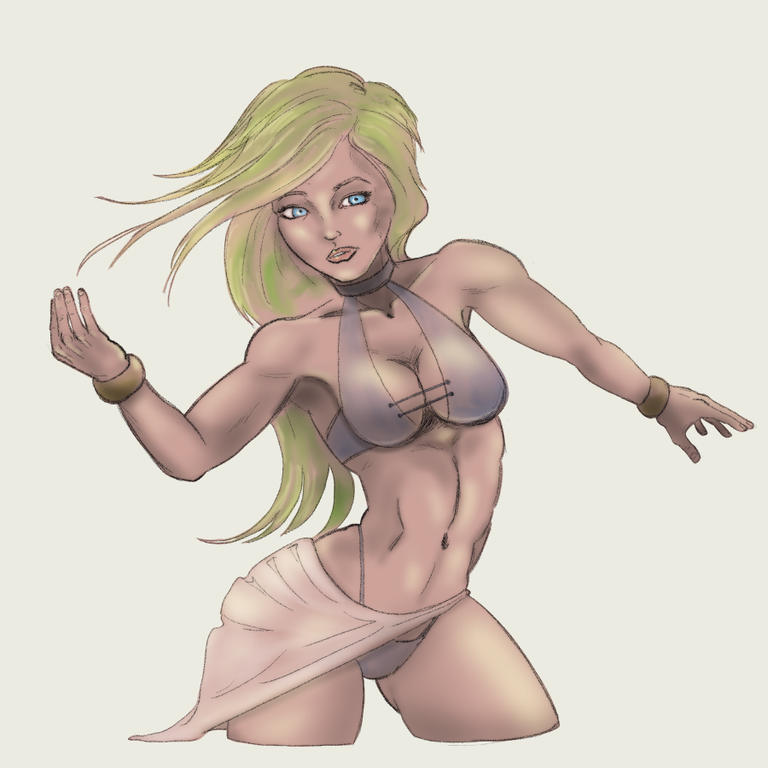
Step Seven: Create a rough background layer
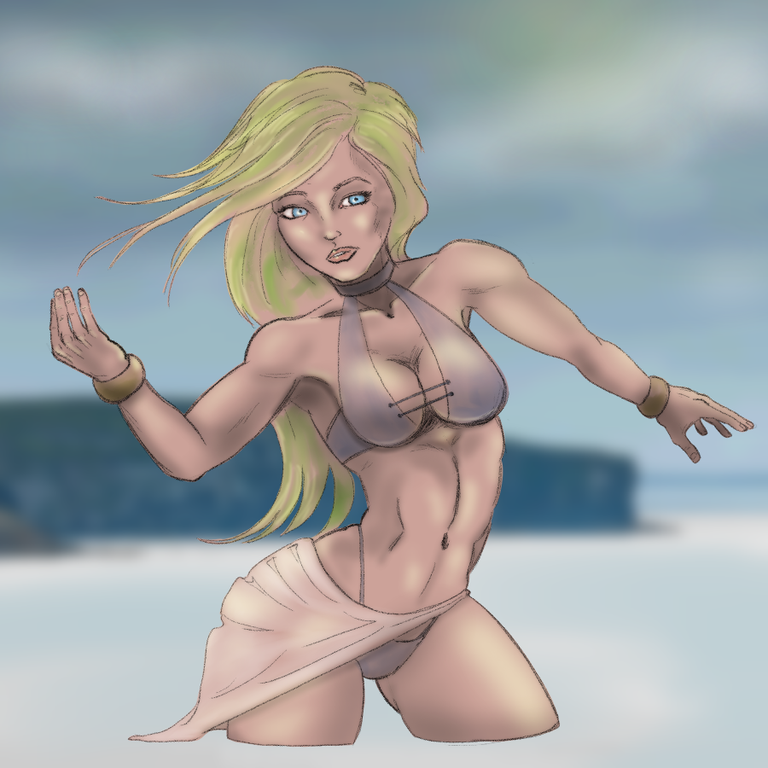
Step Eight: Create a new layer for the water stream and added some droplets for water splashing. Also some ripples and reflections in the water
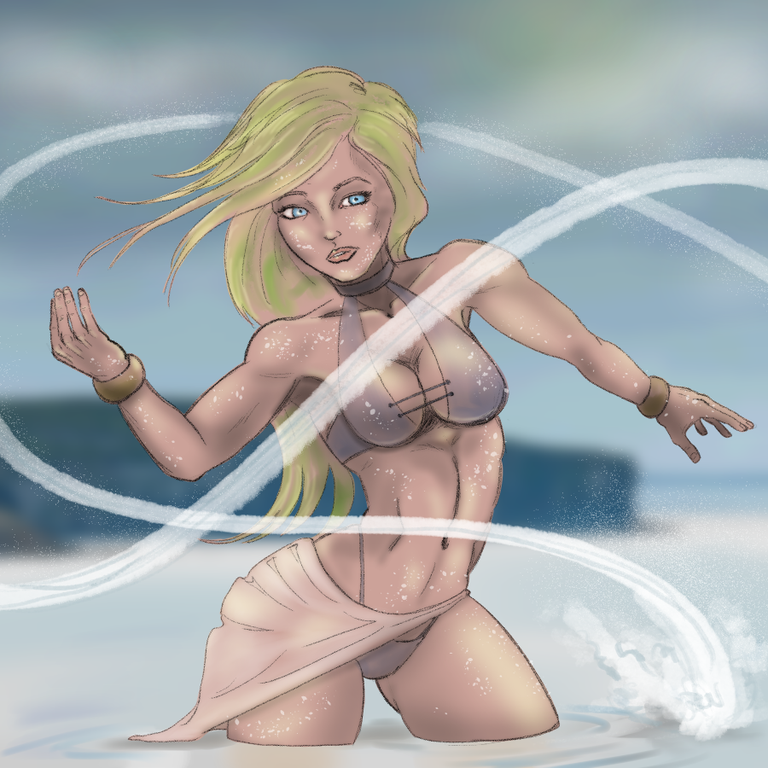
Step Nine: Sign the artz
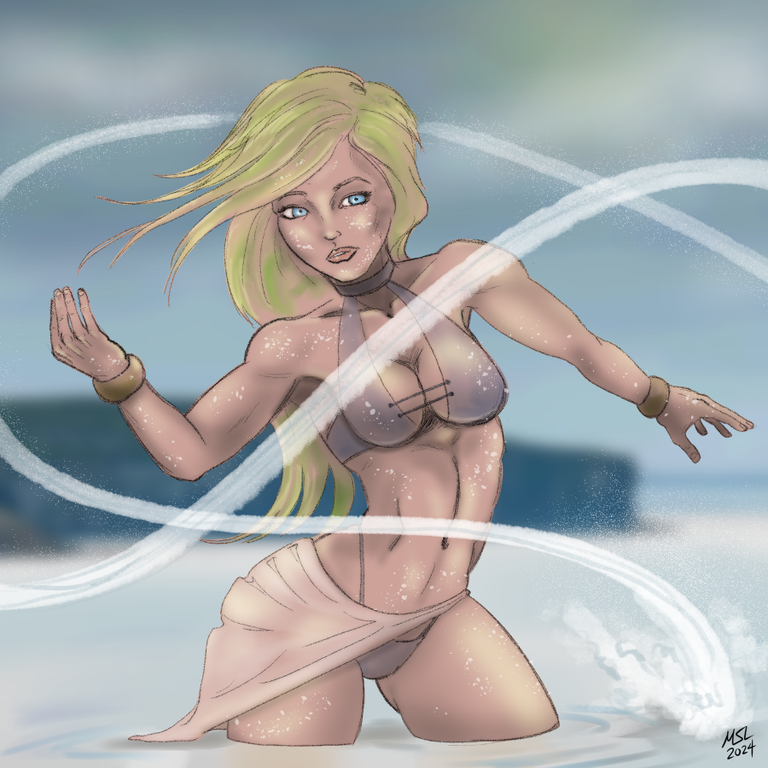
Step Ten: Profit!
Thanks for scrolling all the way to the end.
Congratulations @sidekickmatt! You have completed the following achievement on the Hive blockchain And have been rewarded with New badge(s)
Your next target is to reach 230000 upvotes.
You can view your badges on your board and compare yourself to others in the Ranking
If you no longer want to receive notifications, reply to this comment with the word
STOPCheck out our last posts: