Step 1
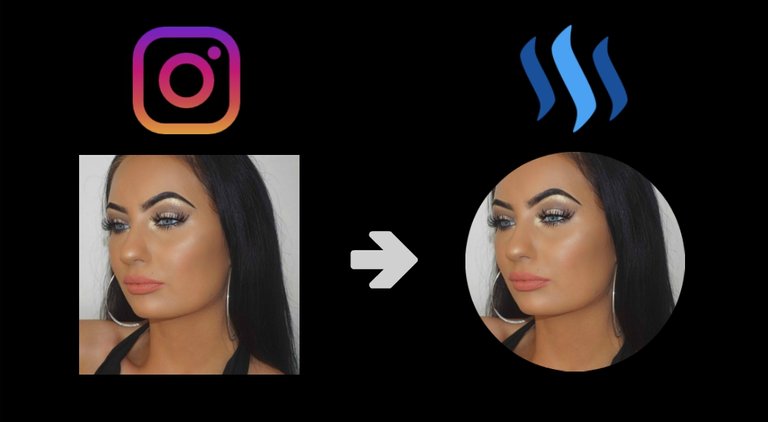
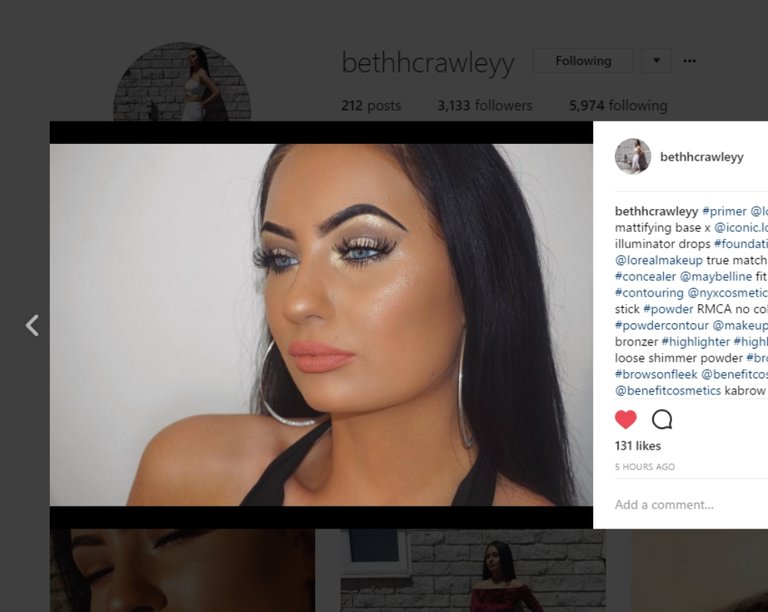
Select the instagram photo you wish to use
Step 2
Using your mouse, right click on the image and select "View Page Source"
Step 3
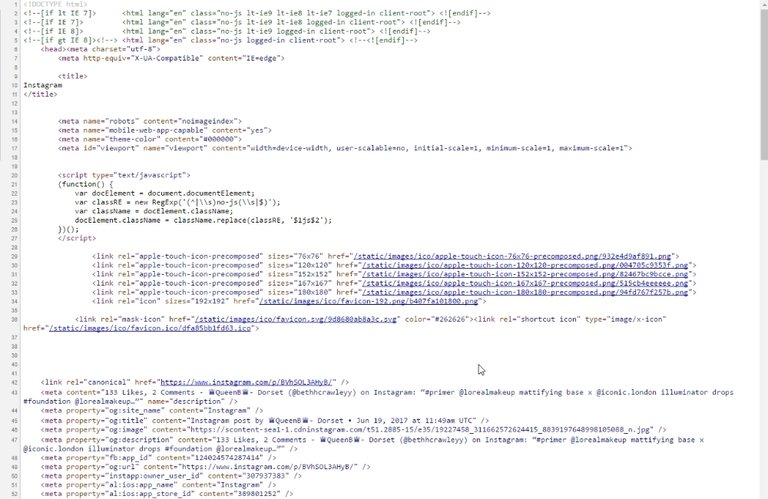
On line 46 you see this:

The image URL you are looking for is found here. It always begins with "https" and it ends with "jpg". Easy to find.

Step 4
Copy the image URL and go into your Steemit settings to paste it there.

And that's it! You now have a new profile pic!

This post received a 4.9% upvote from @randowhale thanks to @capitalpink! For more information, click here!