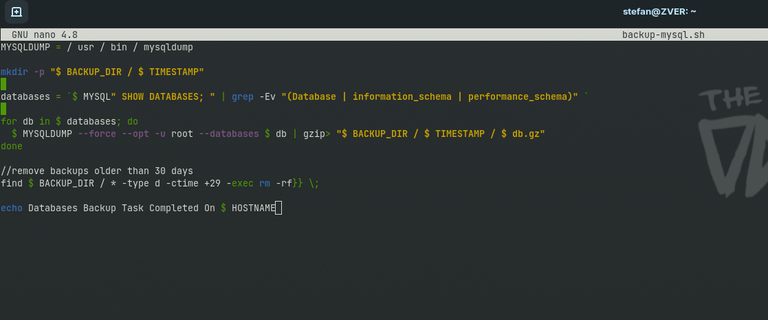
Here is a simple bash script that I use to backup all mysql databases from the server:
#! / bin / bash
TIMESTAMP = $ (date + "% F")
//backups will be stored in /backup/mysql
BACKUP_DIR = "/ backup / mysql"
MYSQL = / usr / bin / mysql
MYSQLDUMP = / usr / bin / mysqldump
mkdir -p "$ BACKUP_DIR / $ TIMESTAMP"
databases = $ MYSQL" SHOW DATABASES; " | grep -Ev "(Database | information_schema | performance_schema)"
for db in $ databases; do
$ MYSQLDUMP --force --opt -u root --databases $ db | gzip> "$ BACKUP_DIR / $ TIMESTAMP / $ db.gz"
done
//remove backups after 30 days
find $ BACKUP_DIR / * -type d -ctime +29 -exec rm -rf}} ;
echo Databases Backup Task Completed On $ HOSTNAME
Save it as backup-mysql.sh, make it executable and create a cron to run it nightly:
sudo chmod +x /home/backup-mysql.sh
sudo crontab -e
0 3 * * *   backup-mysql >> backup-mysql.log 2>> backup-mysql.log
Congratulations @pcx3! You have completed the following achievement on the Hive blockchain and have been rewarded with new badge(s):
Your next target is to reach 50 upvotes.
You can view your badges on your board and compare yourself to others in the Ranking
If you no longer want to receive notifications, reply to this comment with the word
STOPTo support your work, I also upvoted your post!
Check out the last post from @hivebuzz:
Support the HiveBuzz project. Vote for our proposal!